
How to Batch Download 100+ Short Drama Episodes Without Slowing Down Your PC
Chinese short-dramas commonly range from 60 to 120 episodes per season. While downloading an entire series in full 1080p is simple with Hongguo Downloader, managing network bandwidth and hard drive storage properly ensures a fast, stutter-free experience. Here are the recommended configurations and storage calculations.
1. Disk Space Calculation: How Much Storage Do You Need?
Because short-dramas average 1.5 to 2.5 minutes per episode at 1080p bitrates (~4,000–6,000 kbps):
- Per Episode: ~25MB to 45MB
- 50 Episodes: ~1.5GB to 2.2GB
- 80 Episodes (Standard Season): ~2.5GB to 3.8GB
- 120 Episodes (Epic Series): ~4.0GB to 5.5GB
Tip: Always maintain at least 10GB of free space on your system drive so temporary HLS chunk folders have room to assemble before finalizing the MP4 files.
2. Tuning Download Concurrency for Your Internet Connection
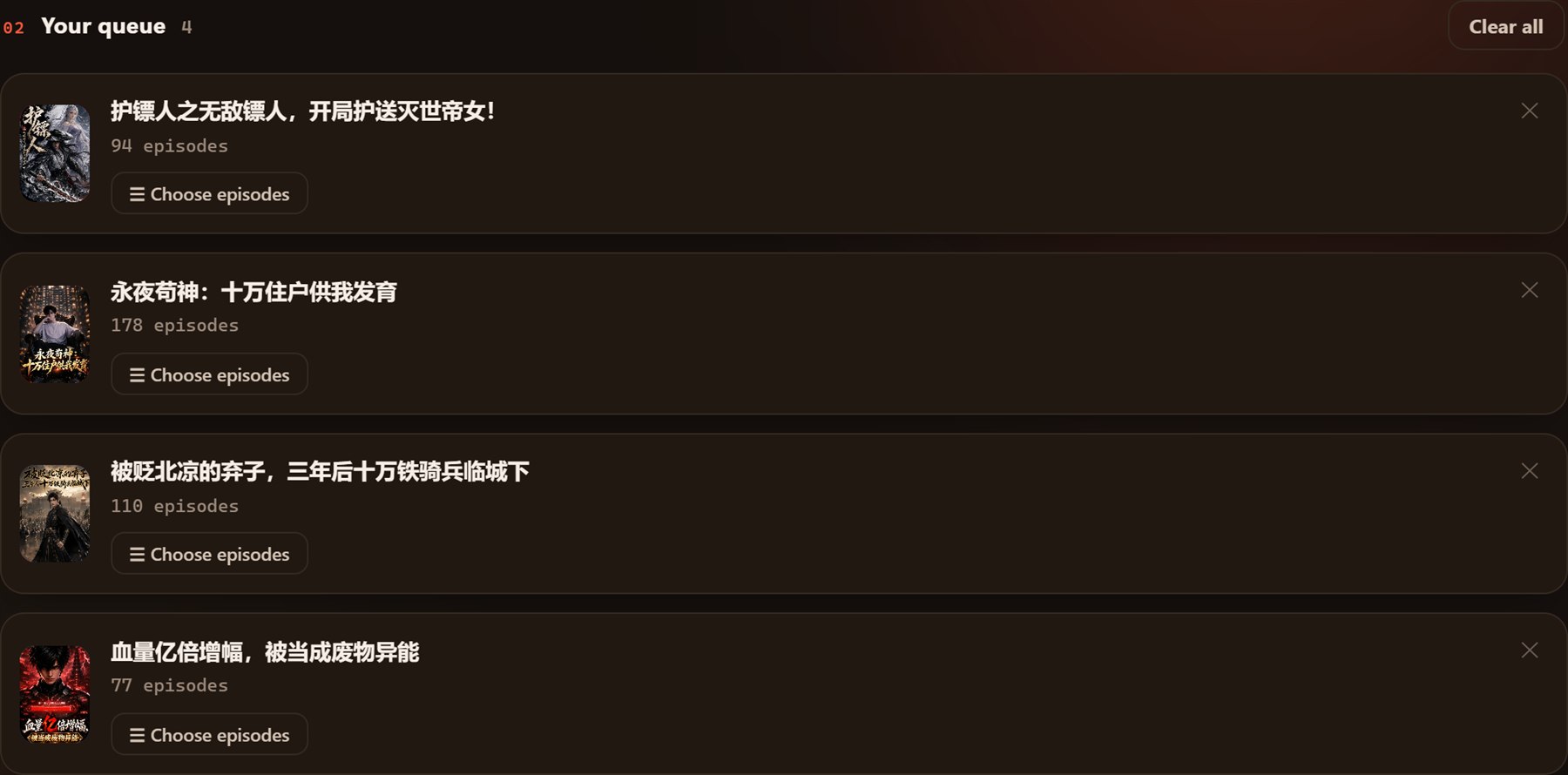
In the bottom control bar of Hongguo Downloader, you can adjust download speed and simultaneous queues:
- Standard Home Wi-Fi (50–100 Mbps): Set concurrency to 2–3 active series. This prevents connection saturation so other household devices can stream video smoothly.
- High-Speed Fiber (300+ Mbps / Gigabit): You can safely run 4–6 parallel series. An entire 80-episode drama will finish downloading in under 3 minutes.
- Laptop on Battery Power: Reduce simultaneous threads to 2 to minimize CPU utilization and prolong battery life.

3. Organizing Massive Drama Collections
Hongguo Downloader automatically names output folders with the drama's original title and indexes episodes numerically (e.g. 第001集.mp4). To keep your library tidy:
- Set your default download directory to a secondary high-capacity SSD or external hard drive (
D:\ShortDramas\). - Use the in-app Library tab to quickly spot when existing dramas release new bonus episodes with the "+N New" badge.
Ready to Batch Download Full Series?
Download complete Chinese short-drama series in minutes with Hongguo Downloader.