
Browse the 40,000+ drama catalogue & live 红果 leaderboard
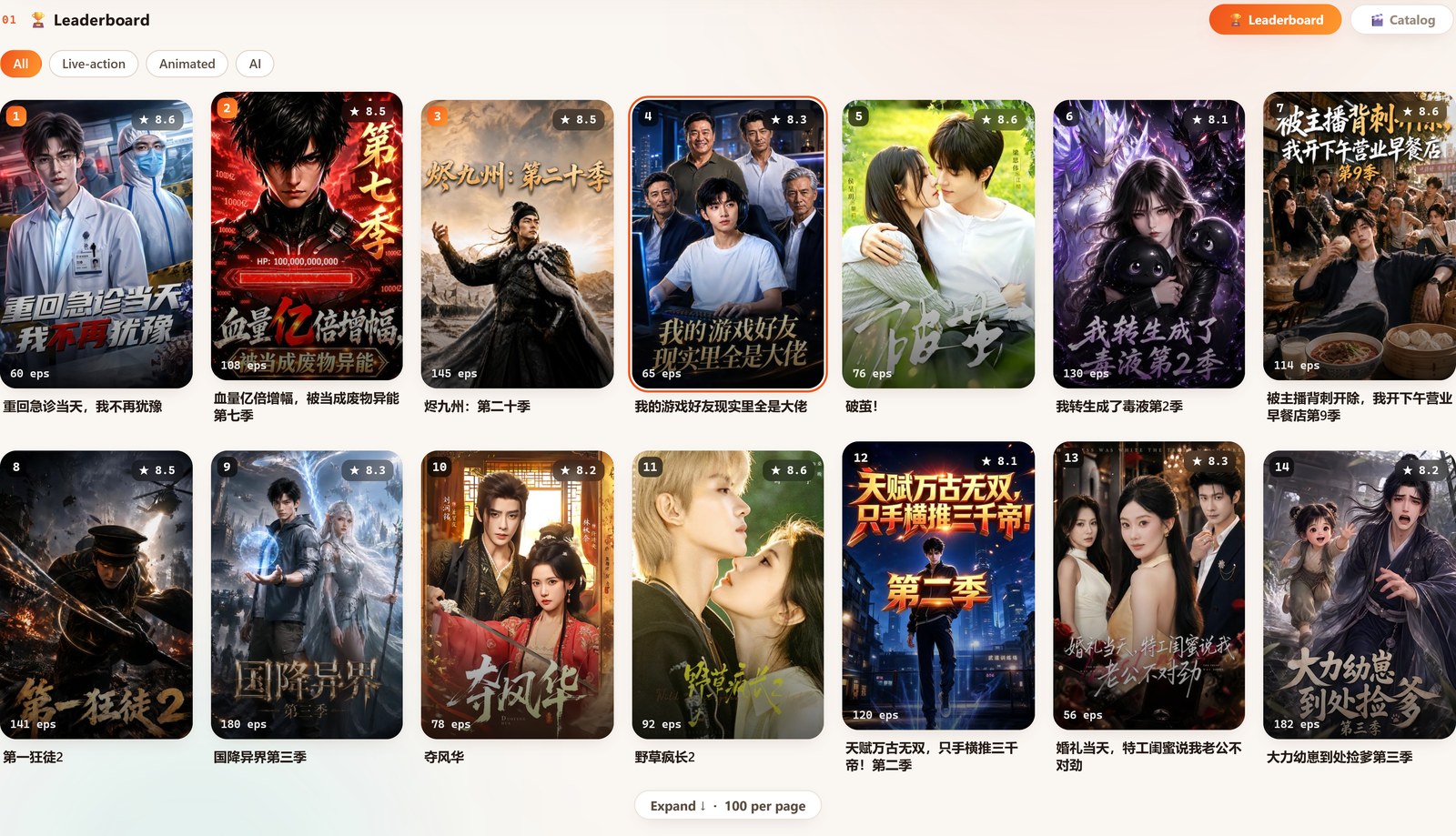
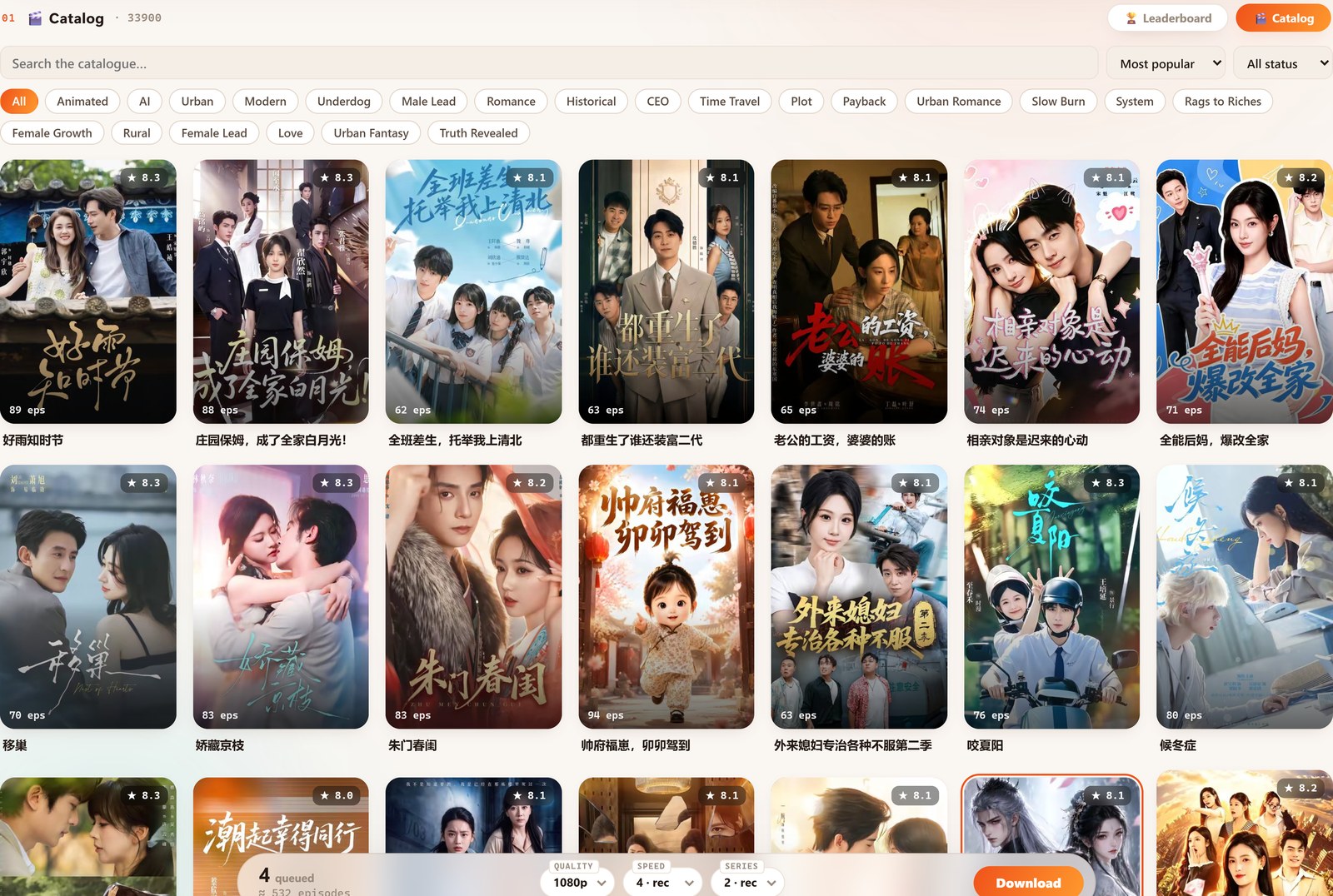
Hongguo Downloader's home screen has two tabs. Leaderboard shows a live, real-time ranking of what's trending on 红果 right now, switchable by All / Live-action / Animated / AI. Catalogue is the full library — 40,000+ verified dramas you can browse by genre tab, search by title, sort, and filter by status. Tap any poster on either screen to add it straight to your download queue.
Earlier versions of the app organized the home screen around Recommended / Hot / New toggles. That's gone now — the home screen is a simpler two-tab Leaderboard / Catalogue layout, and it's worth knowing what each tab is actually for before you go looking for a specific title.
The live leaderboard
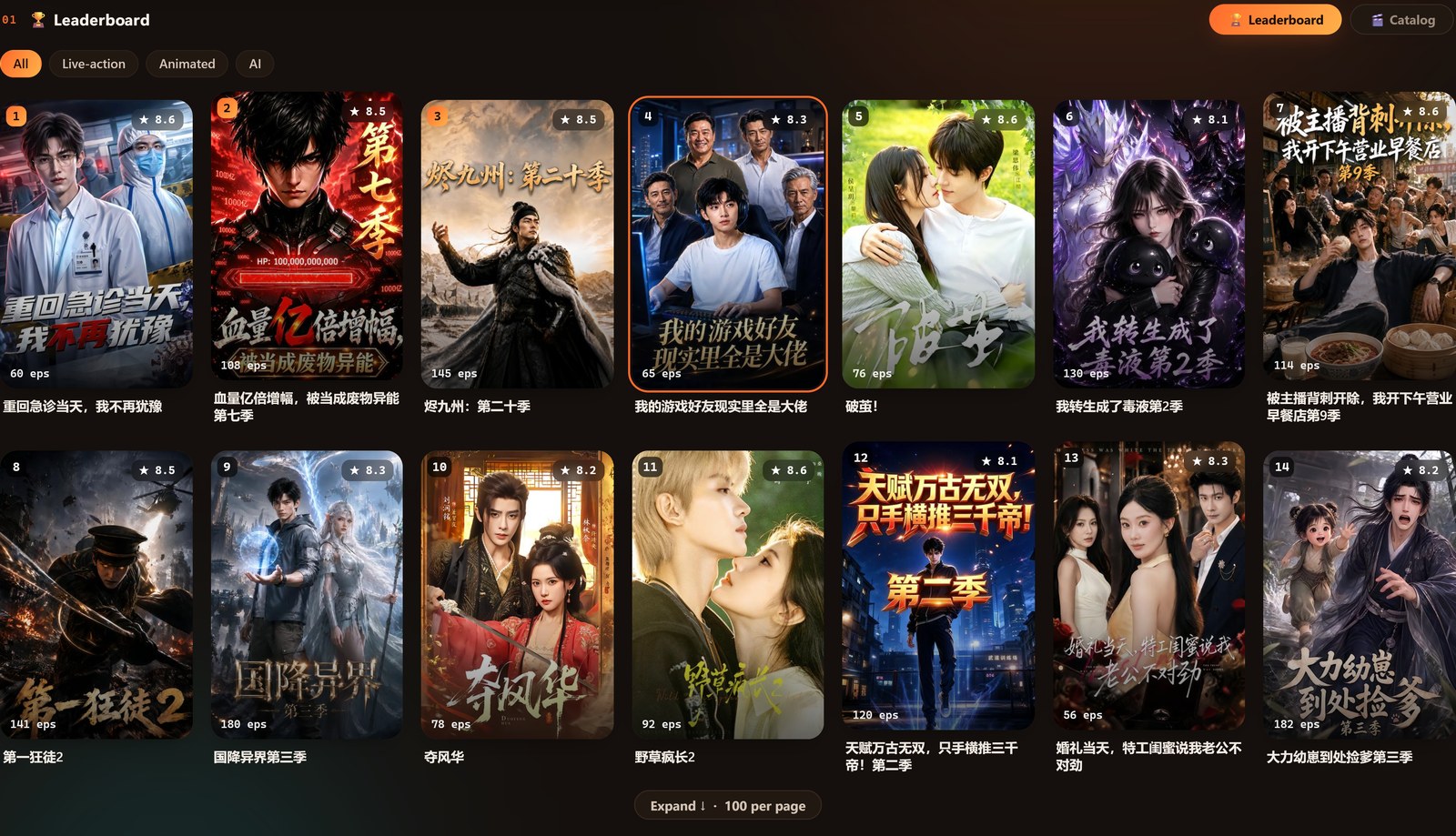
The Leaderboard tab tracks 红果's own real-time top charts — the platform's actual trending rankings, not a static "popular" list the app decided on its own. Switch between four category views:
- All — the overall top chart across every category.
- Live-action — traditionally filmed short-dramas.
- Animated — animated short-dramas.
- AI — AI-generated short-dramas, tracked as their own category now that they're common enough to need one.
Each entry shows a rank badge, score, and episode count, so you can gauge a title before adding it to your queue.
The Catalogue: 40,000+ dramas, searchable
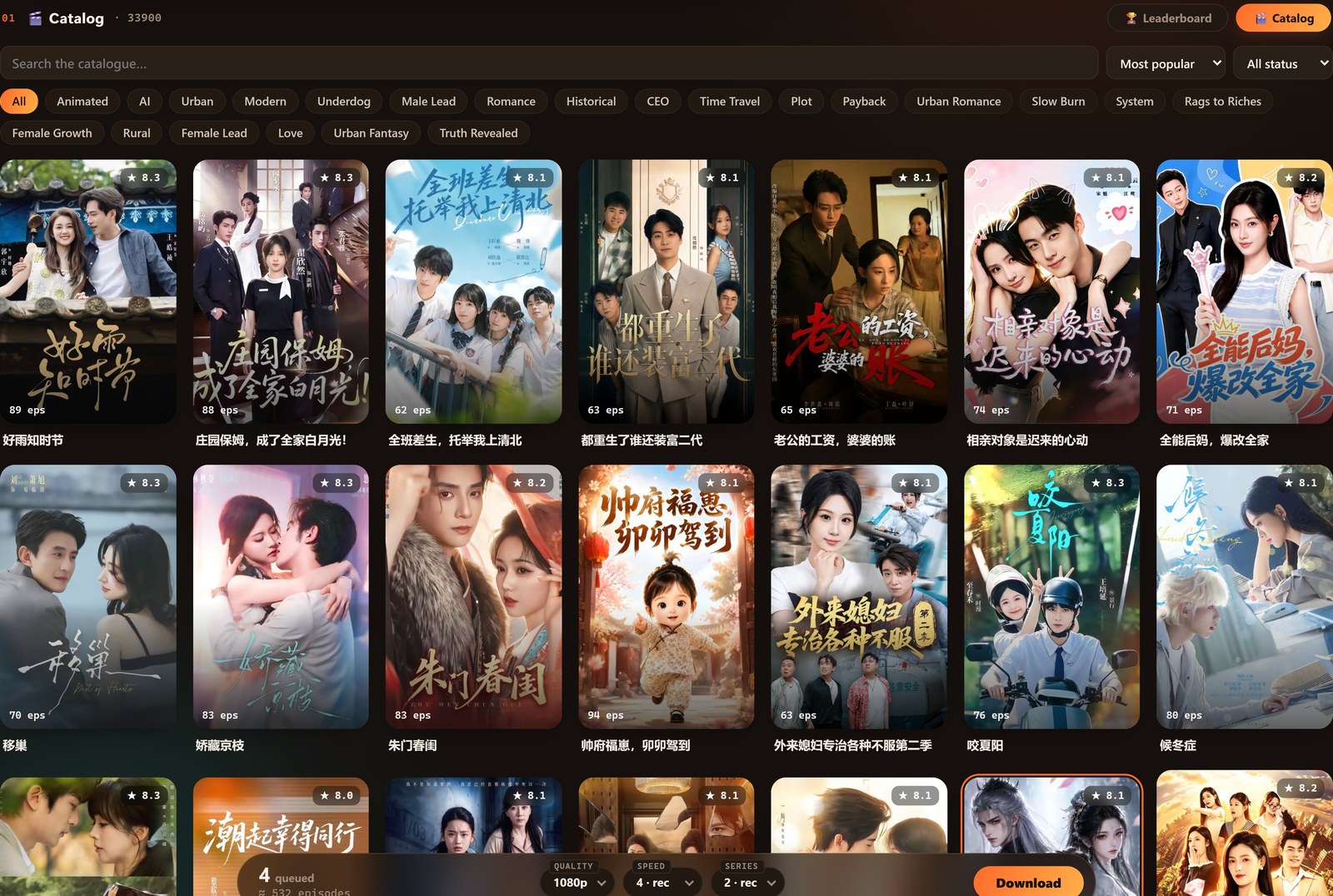
Switch to Catalogue when you know roughly what you're looking for, or just want to browse. It's the app's full searchable library:
- 40,000+ verified dramas — and growing daily.
- Genre tabs to narrow the list by category.
- In-app search for a specific title.
- Sort & status filter, so you can see what's complete versus still airing.
Tap any poster to drop it onto your queue — you don't need to finish browsing before downloading, since queued titles just wait until you're ready to batch them.
Which tab should you use?
- Open Hongguo Downloader — you land on the home screen with the Leaderboard / Catalogue tabs.
- Not sure what to watch next? Check Leaderboard and pick a category — it's the platform's real trending chart, not a guess.
- Already know the title? Switch to Catalogue, search it directly, or narrow by genre tab.
- Tap the poster to add it to your queue, then repeat for anything else that catches your eye.
- When you're ready, head to My Queue to choose episodes and batch-download everything at once.
Frequently asked questions
How many dramas are in the Catalogue?
40,000+ verified 红果 titles, browsable, searchable, sortable and filterable directly in the app — and growing.
What's the difference between the Leaderboard and the Catalogue?
Leaderboard shows real-time top charts of what's trending right now, by All, Live-action, Animated, or AI. Catalogue is the full 40,000+-title library for finding a specific drama.
Does every title in the Catalogue actually download?
Most do, but titles occasionally get pulled from the source platform — Hongguo Downloader flags those instantly as Unavailable (已下架) the moment you try to queue them.
What counts as an AI drama on the leaderboard?
AI-generated short-dramas specifically, tracked as their own category separate from the live-action and animated charts.
Try it yourself
Download Hongguo Downloader and browse 40,000+ verified dramas — or check what's trending right now on the live leaderboard.