
Downloads are back — and they recover on their own: what's new in v1.0.0.76
v1.0.0.76 fixes Hongguo Downloader downloads for every series, and a temporary interruption no longer needs a restart — the download picks back up on its own. It also handles busy servers and network problems better, and carries security and stability improvements. If downloads still feel slower than usual, set Series at once × Episodes at once to 16 for the fastest results.
If you tried downloading in the days before this release and ran into an episode that wouldn't finish, this is the fix — and the recovery behavior it adds should mean you rarely notice the next one.
What changed in v1.0.0.76
- Downloads fixed. Downloads work again for all series — pick any drama and every episode downloads and plays to the end.
- Recovers on its own. A temporary interruption no longer needs a restart — the download picks up again by itself.
- Better handling of busy servers and network problems.
- Security and stability improvements.
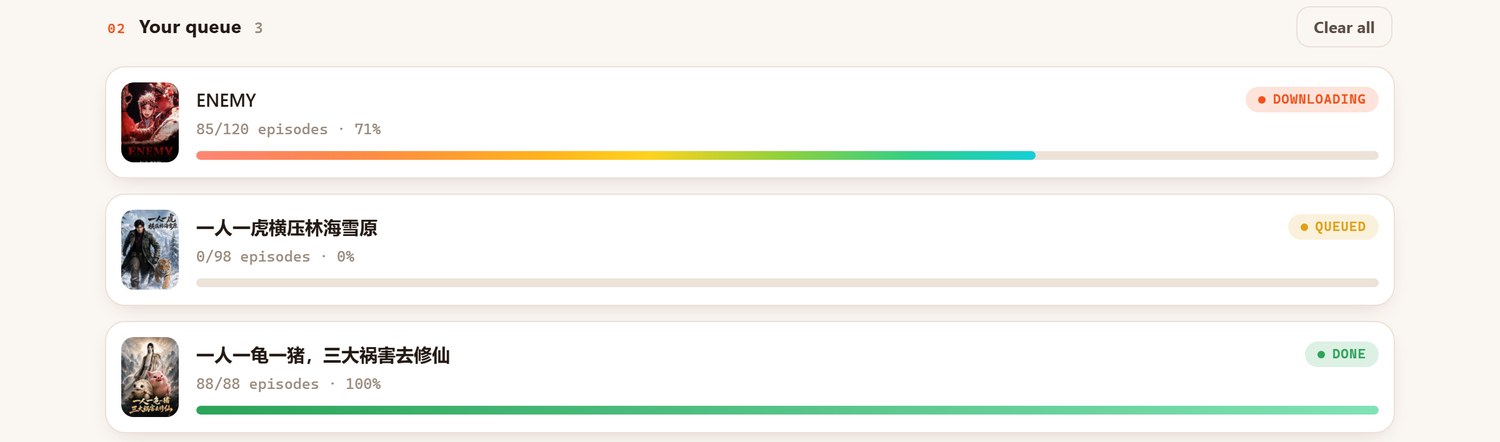
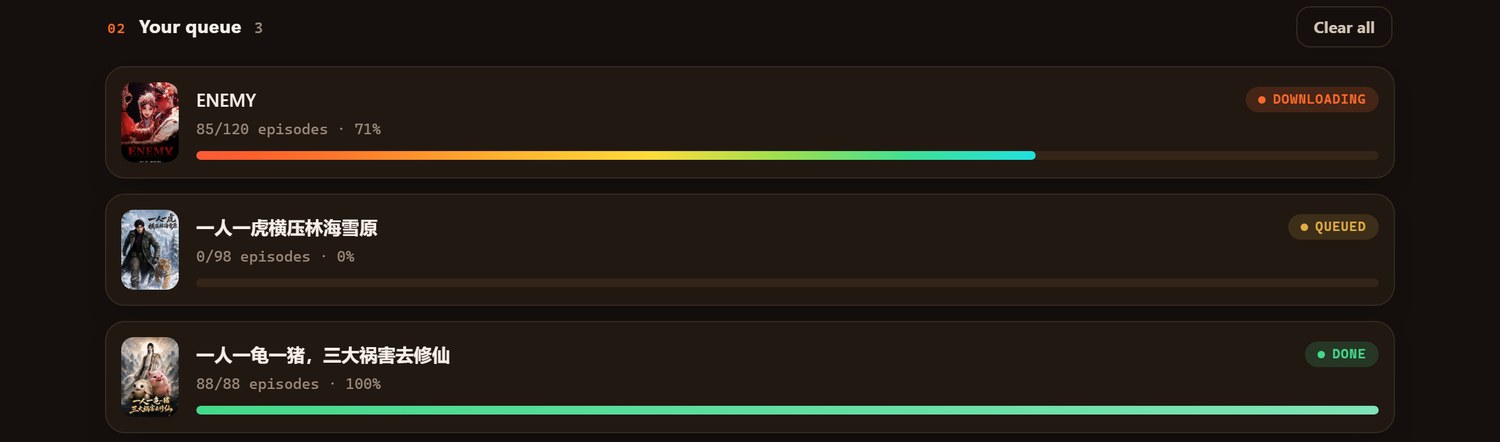
No more restarting a stuck download
Before this release, a download that hit a temporary snag — a busy server, a dropped connection — could need a full restart of the app to get moving again. In v1.0.0.76, that recovery happens automatically: if a download is interrupted, give it a moment and it picks back up by itself, without you needing to close and reopen anything. Combined with the underlying downloads-work-again fix, this is the release to grab if you ran into episodes that wouldn't complete recently.
Getting the fastest download speed
Download speed still depends on the video source, and right now it can run slower than usual at times — every episode still finishes, it just may take longer. If you want the fastest results, set Series at once × Episodes at once on the download bar so the two multiply out to 16 — for example 1 series × 16 episodes, or 2 series × 8 episodes. That's the combination this release calls out as the sweet spot for throughput.
Also in this release
Beyond the download fix and its automatic recovery, v1.0.0.76 handles busy servers and network hiccups more gracefully in general, and carries the usual round of security and stability improvements under the hood.
Frequently asked questions
What's new in v1.0.0.76?
Downloads work again for every series, a temporary interruption now recovers on its own instead of needing a restart, busy servers and network problems are handled better, and there are security and stability improvements.
My download stalled — do I need to restart the app?
No, not anymore. As of v1.0.0.76 a stalled download picks back up by itself after a moment.
How do I get the fastest download speed?
Set Series at once × Episodes at once to 16 on the download bar — for example 1 × 16 or 2 × 8. Speed still depends on the video source, but every episode finishes.
Will updating affect my downloaded library or license?
No — updates install over your current version and your license and library always carry over.
Get downloads working reliably again
Update to v1.0.0.76 for working downloads that recover on their own — your license and library carry over automatically.