
What an empty search result means, and what to try next
An empty result almost never means the app is broken. The single biggest cause is that the title is domestic-only and was never released into the 红果 oversea catalogue, which is the only one Hongguo Downloader can search. Beyond that, a slightly wrong Chinese title, an unofficial English fan name, or a title that got renamed or temporarily pulled account for nearly everything else. Below is the checklist, in the order worth trying.
Search coming back with nothing feels like a bug, so it's a fair thing to be suspicious of. In practice it's almost always explainable — and usually fixable in under a minute once you know what to check.
Why searches come back empty
There isn't one single cause, but they fall into a short, predictable list:
- The title is domestic-only. 红果 runs a separate domestic catalogue for mainland China and a separate oversea catalogue for audiences abroad — they overlap a lot but aren't identical. Hongguo Downloader only has access to the oversea catalogue, so a domestic-only title simply isn't reachable, no matter how the search is typed. See Is 红果 available outside China? for the full breakdown of that split.
- The Chinese title doesn't match exactly. The oversea catalogue is indexed under its real Chinese name. A single wrong character, a missing punctuation mark, or a partial title copied from a screenshot can be enough to return nothing.
- You're searching an English fan title. Fan communities and social media often use their own shorthand English translation of a title — that translation almost never matches how the drama is actually listed, so searching it directly tends to come up empty.
- The listing was renamed. Titles occasionally get re-released under a slightly different name, especially after a season change or a rights update.
- The title was temporarily pulled. Catalogues change over time; a title that was searchable last week can be pulled and sometimes re-added later.
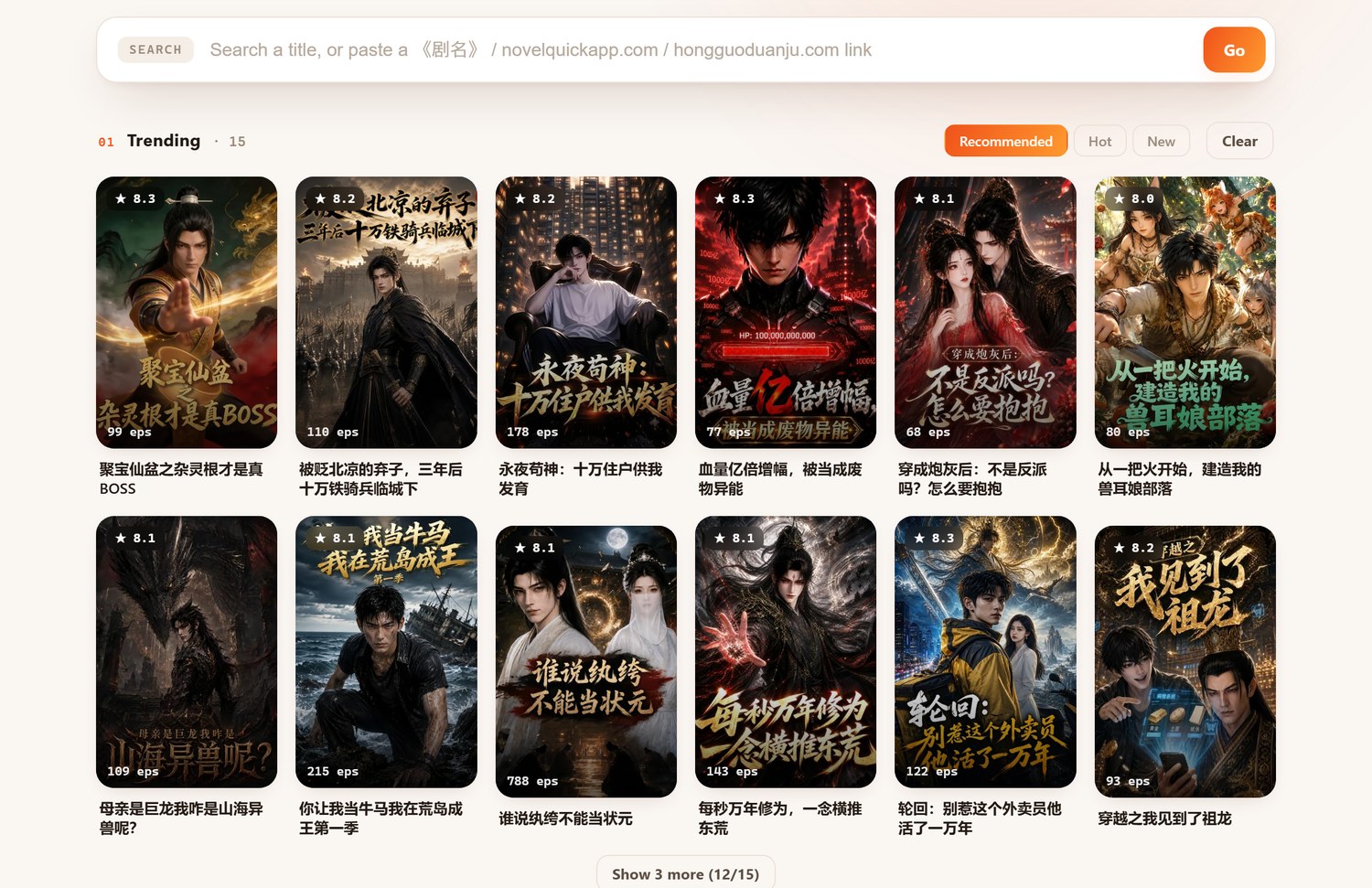
What to try, in order
- Search the exact Chinese title. If you only have an English name, look up the original 红果 Chinese title first — a quick web search for the English phrase plus "红果" usually surfaces it — then paste or type that instead.
- Double-check for typos, especially near-identical characters. Chinese has plenty of characters that look alike at a glance; if you typed the title by hand rather than copy-pasting it, retype it carefully or copy it directly from the source you found it on.
- Try a shorter, partial version of the title. Long titles sometimes match better on a distinctive fragment (a character's name, an unusual phrase) than on the full string, especially if there's any uncertainty about the exact wording.
- Search again after a day or two. If the title was recently added, renamed, or briefly pulled, giving it a little time and retrying costs nothing.
- Confirm it's actually an oversea release. If you can, check whether the title shows up in 红果's own oversea app or oversea site listing. If it only exists in the domestic catalogue, no downloader — this one or any other — will be able to reach it through oversea distribution, because the content simply isn't there.
- Ask on Telegram if you're still stuck. If you're confident the title is an oversea release and it still won't turn up, the support Telegram is the fastest way to flag it.
Frequently asked questions
Why does my search come back empty?
Most commonly because the title is domestic-only and was never released in the 红果 oversea catalogue — the only one Hongguo Downloader can search. Renamed listings, typos, and unofficial fan titles account for most of the rest.
Should I search in Chinese or English?
Search the actual Chinese title — the catalogue is indexed under its Chinese name, and English fan titles rarely match the listing exactly.
Is an empty result the same as the app being broken?
No — it almost always means the title isn't reachable through the oversea catalogue right now, not that search itself has failed.
What if a title I could find yesterday shows no results today?
Catalogues change — a title can be renamed, temporarily pulled, or moved between domestic and oversea listings. Try again after a day or two, and check for a slightly different title.
Most searches just need the right title
Grab Hongguo Downloader, search the exact Chinese title, and batch-download any 红果 oversea series as 1080p files you keep.