
Hongguoduanju Link Not Working? How to Fix Failed Downloads & URL Errors
While Hongguo Downloader is engineered to parse short-drama URLs in milliseconds, users occasionally encounter "Failed to resolve drama", network timeouts, or partial episode downloads. Here is an honest, straightforward troubleshooting breakdown explaining why errors happen and how to resolve them immediately.
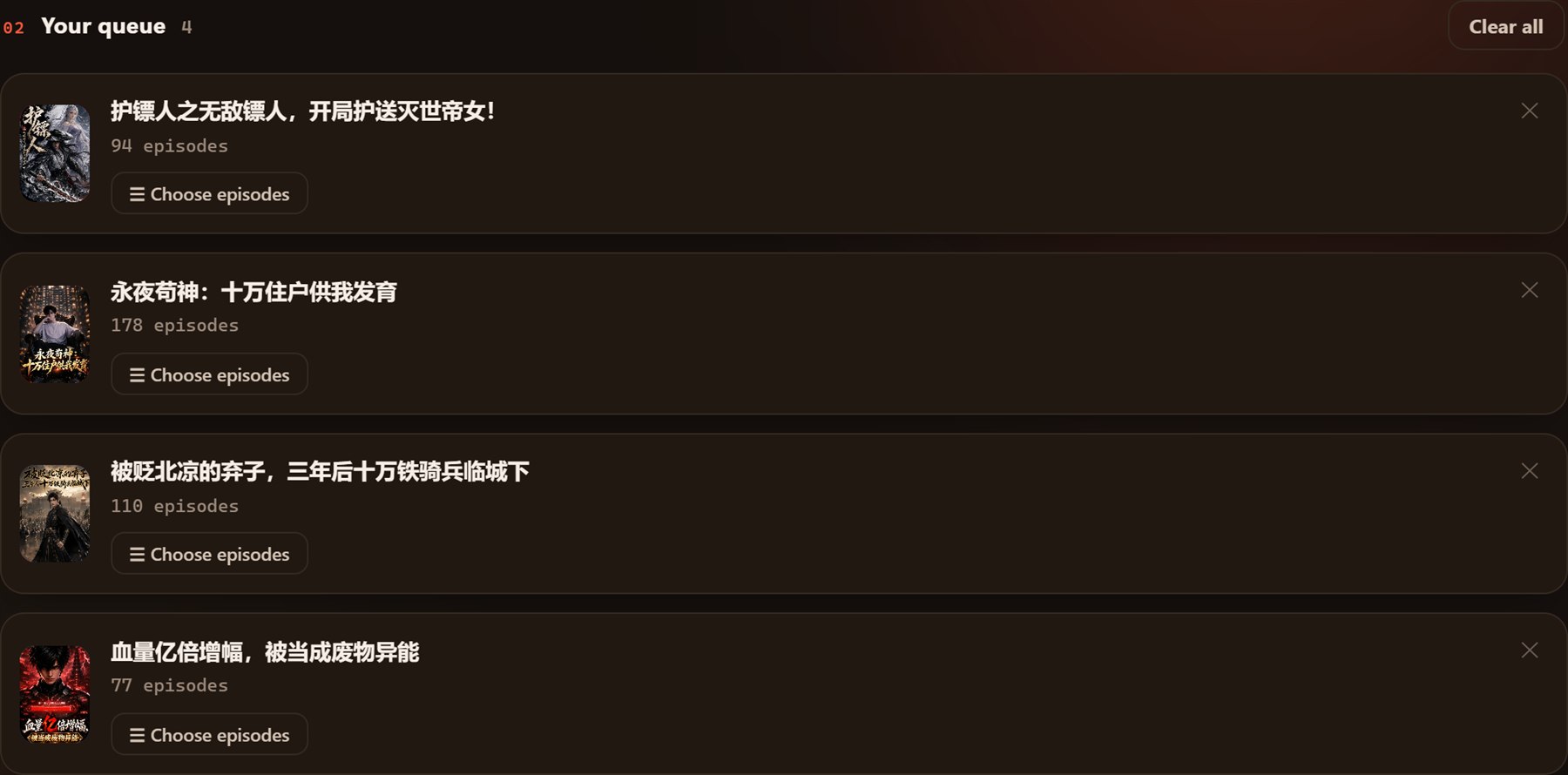
1. The Top Causes of Failed Link Parsing
When pasting a link from hongguoduanju.com, novelquickapp.com, or WeChat/Douyin share cards, link failures usually trace back to one of three issues:
- Truncated Share Text: When copying from mobile apps, extra characters like brackets
《...》or incomplete query strings can confuse generic parsers. (Hongguo Downloader v1.0.0.18 now automatically extracts clean drama IDs from noisy text). - Expired Temporary Mobile Token: Mobile app share links containing ephemeral session tokens (
&token=...) expire after 20–30 minutes. Always copy a fresh link. - Region-Locked Content or IP Rate Limiting: Sending hundreds of simultaneous requests from a flagged public VPN IP can trigger Cloudflare or ByteDance anti-scraping blocks.
2. Step-by-Step Fixes for Common Error Codes
Issue A: "Invalid URL or Drama Not Found"
Solution: Instead of pasting the full mobile share text, copy just the core URL format: https://novelquickapp.com/s/DRAMA_ID or https://hongguoduanju.com/drama/DRAMA_ID. Alternatively, use the built-in search bar in Hongguo Downloader to search the Chinese title directly.
Issue B: "Download Stalled at 99% or TS Merge Error"
Solution: When FFmpeg merges HLS chunks, an antivirus locking the temporary cache folder can prevent the final .mp4 file from generating. Add an exclusion for the temporary output directory in Windows Defender, or check that your destination disk has at least 3GB of free space.

Issue C: "Daily Limit Reached (Free Plan)"
Solution: The free tier includes 2 full drama series every 24 hours. The quota resets automatically on a rolling 24-hour cycle. If you need unlimited daily downloads, activate a Pro license key via Telegram.
3. Best Practices for Error-Free Downloading
- Keep the App Updated: Upgrade to the latest version (v1.0.0.18+) to ensure you have the newest regex engine and fail-closed network fallbacks.
- Use Stable Concurrency: In settings, set simultaneous downloads to 2–4 threads rather than maxing out connection pools on slow Wi-Fi.
- Verify Direct Web Links: Test the link in your browser first to confirm the short-drama is still publicly active on Hongguo's catalogue.
Need the Latest Stable Build?
Download Hongguo Downloader v1.0.0.18 for Windows with zero-latency link matching and automatic error recovery.