How to Copy Hongguo Drama Links on Mobile and Download Full 1080p Series on PC
By M4St3r0·Updated 22 August 2026·~5 min read
Most drama lovers discover viral Chinese short-dramas while scrolling on their smartphones. But watching on a tiny screen or worrying about phone storage is frustrating. Here is the easiest, fastest workflow to copy a drama link on your phone and download the entire 80-episode series directly to your Windows PC.
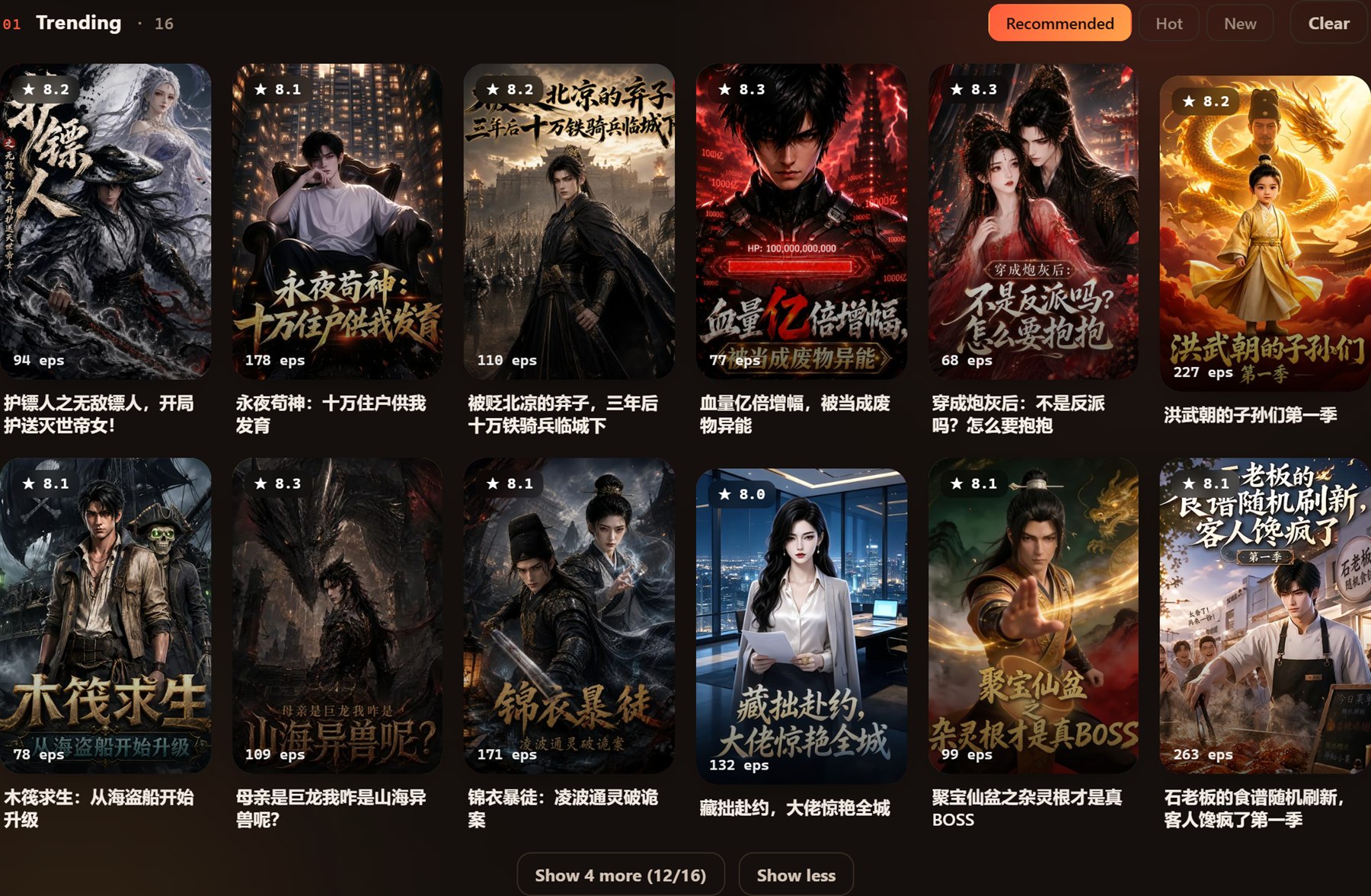
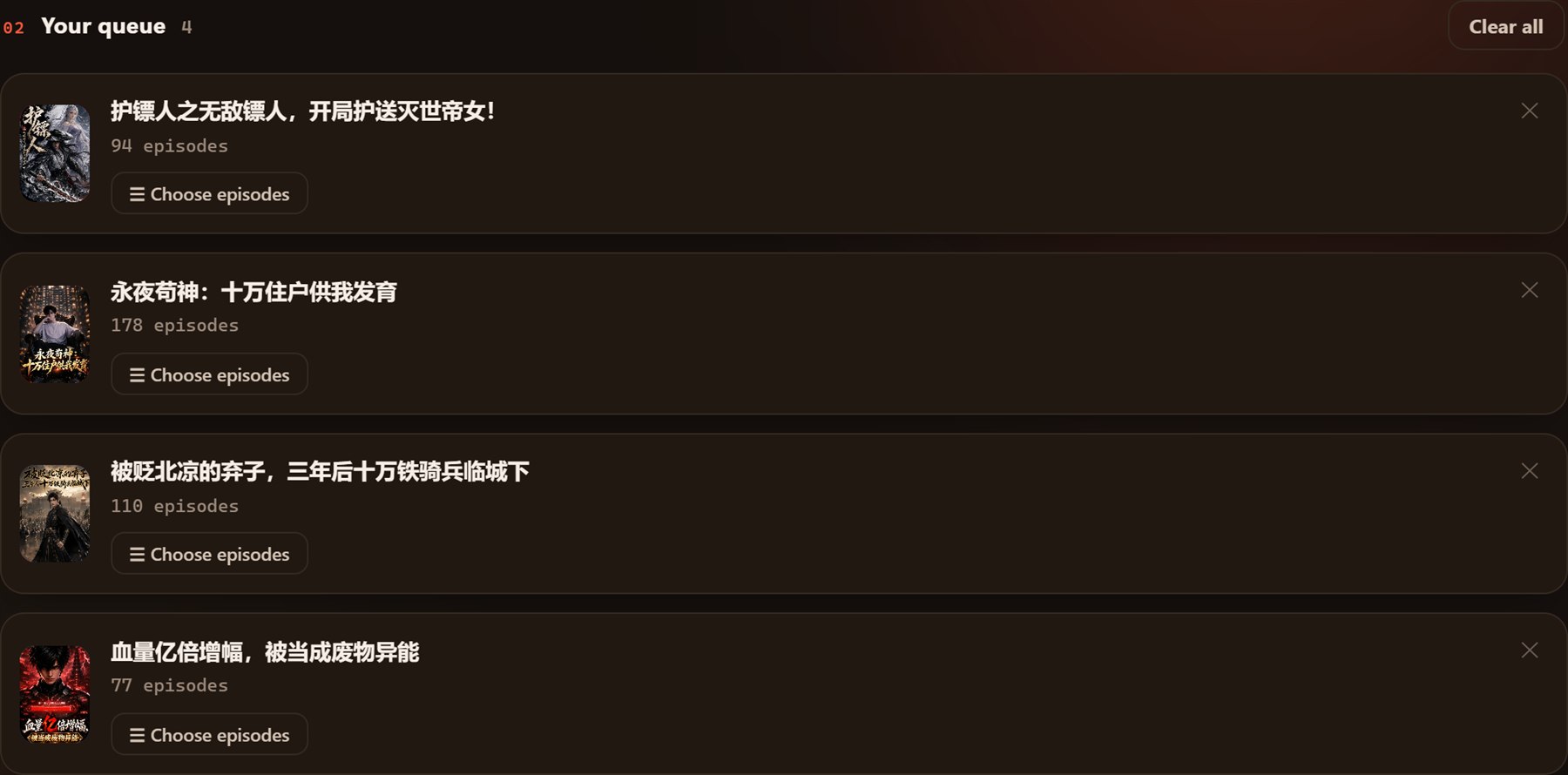
Search or paste mobile share links to discover and queue full short-drama series.
Step 1: Copy the Share Link on Your Phone
Inside the Hongguo (红果短剧) app, Douyin, or WeChat Mini Programs:
Tap the Share (分享) icon on any drama episode.
Select Copy Link (复制链接).
The copied text usually looks like: 《剧名》https://novelquickapp.com/s/abcdef123... or https://hongguoduanju.com/drama/123456.
Step 2: Send the Link to Your Computer
Use your preferred messaging app to paste the link to your PC:
Telegram: Send it to your "Saved Messages" chat.
WeChat / WhatsApp Web: Paste into your "File Transfer" conversation.
Email or Cloud Notes: Any quick clipboard-sharing tool works.
Step 3: Paste and Batch Download in Hongguo Downloader
Once on your computer:
Open Hongguo Downloader on your Windows desktop.
Paste the copied text into the top search bar and click Go.
Hongguo Downloader automatically parses the drama title, fetches the poster, and loads all available episodes.
Click Select All and hit Download. Every episode will be saved as a clean 1080p MP4 file in its own named folder.
Watch your episodes download with live progress bars and estimated completion times.
Ready to Download Your Next Drama?
Save entire Chinese short-drama series in minutes on your PC with Hongguo Downloader.