
How to Download Hongguo & AI Short Dramas in 1080p: Complete 2026 Beginner Walkthrough
Whether you are an avid fan wanting to enjoy offline short drama series on your flights or a video editor seeking raw footage for social media recaps, Hongguo Downloader (the premier Chinese AI drama downloader tool and hongguoduanju video downloader) makes saving full 1080p series effortless. Here is the complete step-by-step walkthrough.
Step 1: Download and Run Hongguo Downloader
Get the official installer from hongguodownloader.com. The installer runs natively on Windows 10 & 11 without requiring administrative privileges, Python installations, or Android emulators (like BlueStacks).
Step 2: Find Your Drama or Paste a Share Link
Hongguo Downloader provides two convenient ways to load short dramas:
- In-App Search: Type any Chinese short-drama title (e.g. 《逍遥小神医》, 《暴富》) directly into the search bar to load the official poster, total episode count, and synopsis.
- Direct Link Parsing: Paste links from
hongguoduanju.com,novelquickapp.com, or mobile WeChat/Douyin share cards. The hongguoduanju drama downloader engine resolves the drama stream in milliseconds.
Step 3: Select Episodes & Start Batch Downloading
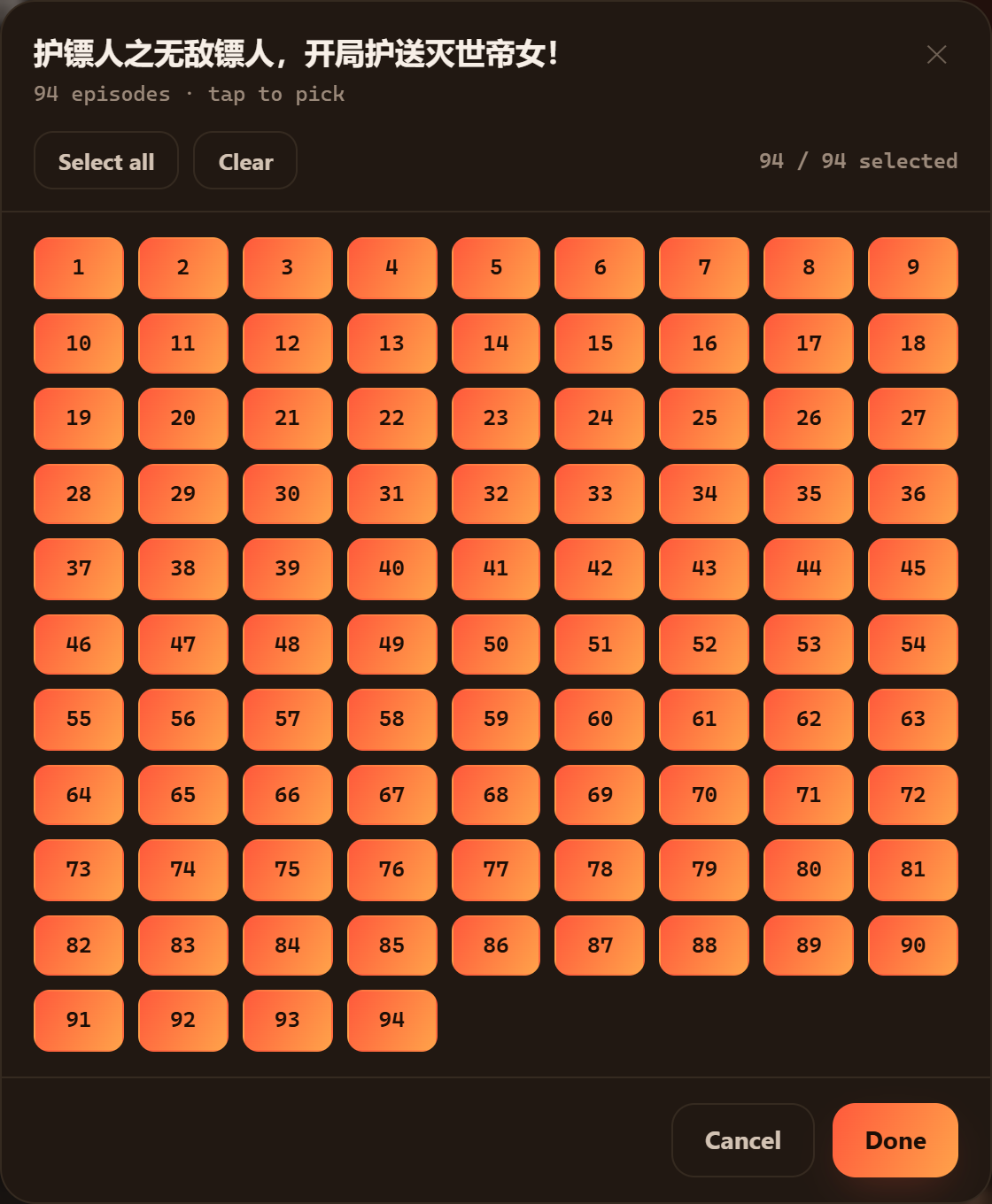
Click on the drama poster to open the episode picker:
- Click Select All to grab the entire 80–100 episode series, or select individual episodes you want.
- Confirm your quality is set to 1080p Full HD in the bottom control bar.
- Click Download. The multi-threaded batch short drama downloader engine will download and assemble all video fragments in parallel.

Step 4: Access Your Offline Library & Video Files
Once downloaded, all files are stored in your configured output folder (e.g. Videos/HongguoDownloader/剧名/):
- Files are cleanly named (
第001集.mp4,第002集.mp4, etc.) for instant drag-and-drop into CapCut, Premiere Pro, or mobile storage. - Use the in-app Library tab to check for new episodes with the automatic "+N New" badge indicator.
Ready to Build Your Drama Collection?
Start downloading Chinese short dramas and AI dramas in full 1080p MP4 today.