
How to activate, deactivate and move your license
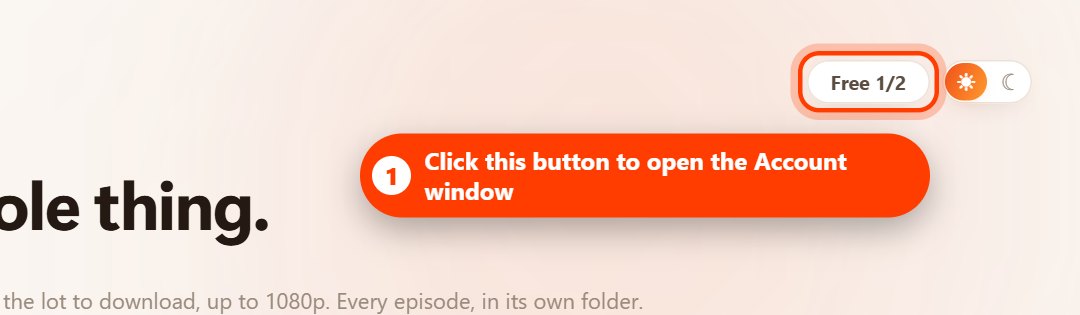
Activate: open the Account window (the button at the top right of the app), paste your key and click Activate. Deactivate: click Deactivate this PC, then Release this PC. Move: deactivate on the old PC, then activate the same key on the new one. One key works on one PC at a time and can be moved once every 7 days.
Your license key unlocks unlimited downloads on one PC. This guide shows you how to activate it, remove it from a PC, move it to another computer, switch to a different plan and cancel a subscription.
Before you start
- Your license key looks like HG-XXXXX-XXXXX-XXXXX-XXXXX-XXXXX.
- One key works on one PC at a time.
- You can move a key to another PC once every 7 days.
- Removing a key from a PC never deletes your downloaded dramas.
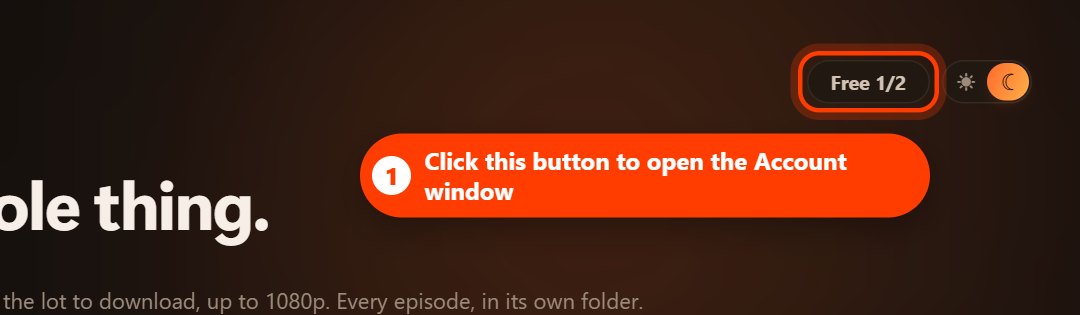
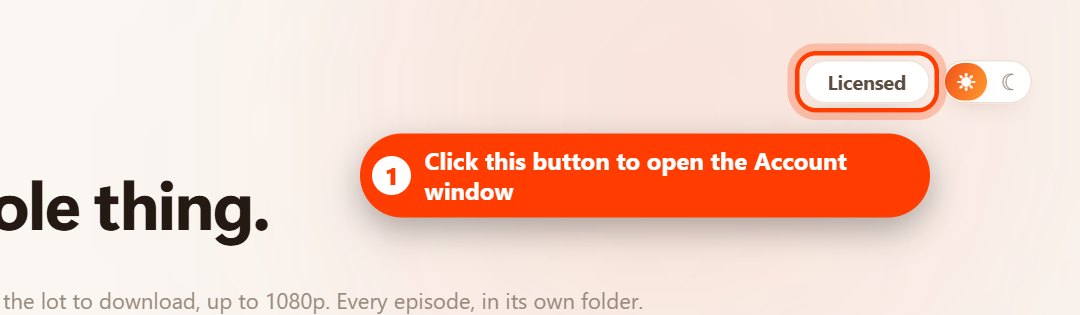
- Everything is done in the app's Account window. It opens from the button at the top right of the app, which shows Free 1/2 on the free plan or Licensed when a key is active.
1. Activate your license
- Open Hongguo Downloader and click the Free 1/2 button at the top right. The Account window opens.
- Paste your license key into the key box. Copy and paste it rather than typing it, so no character is missed.
- Click Activate.
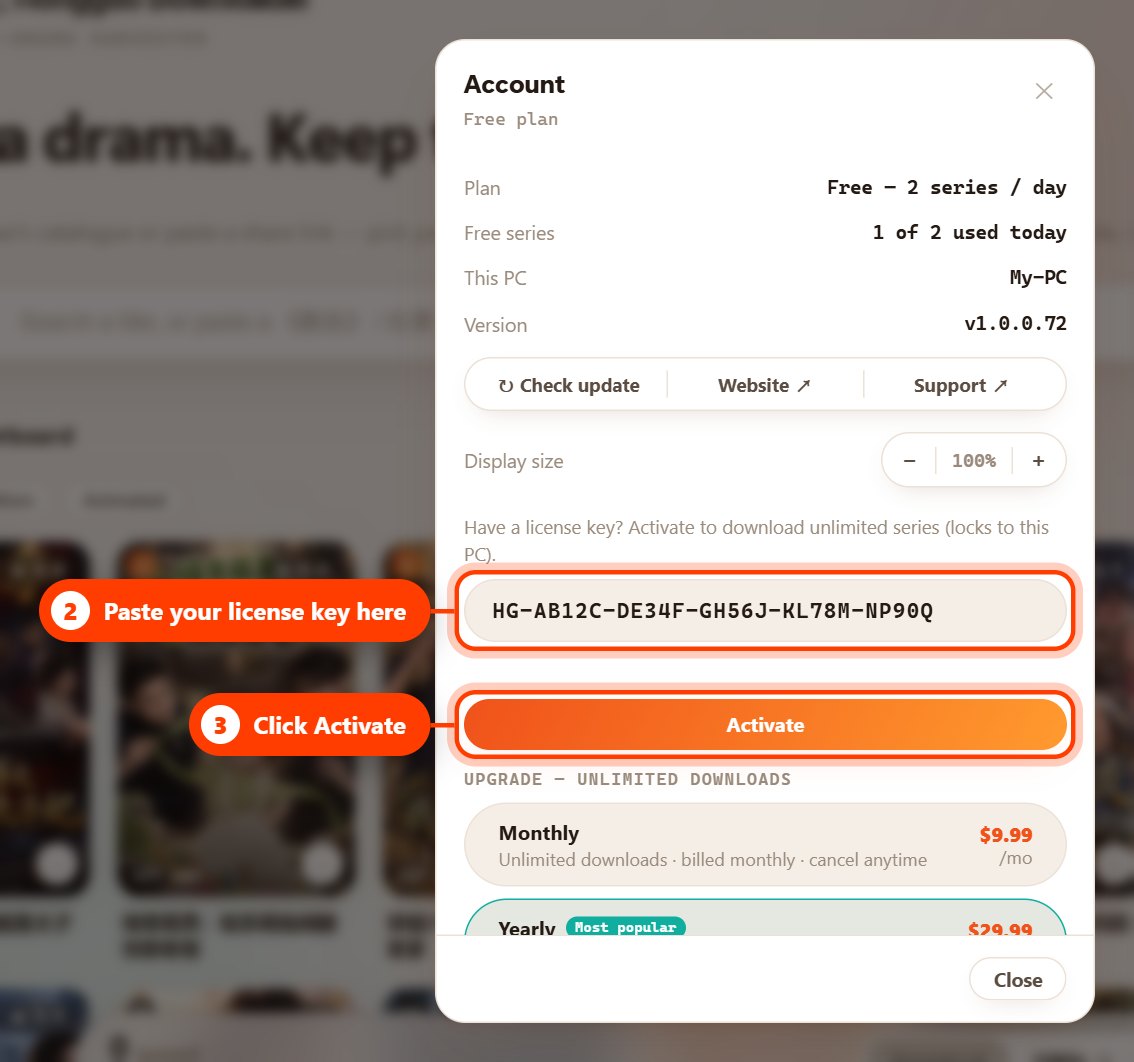
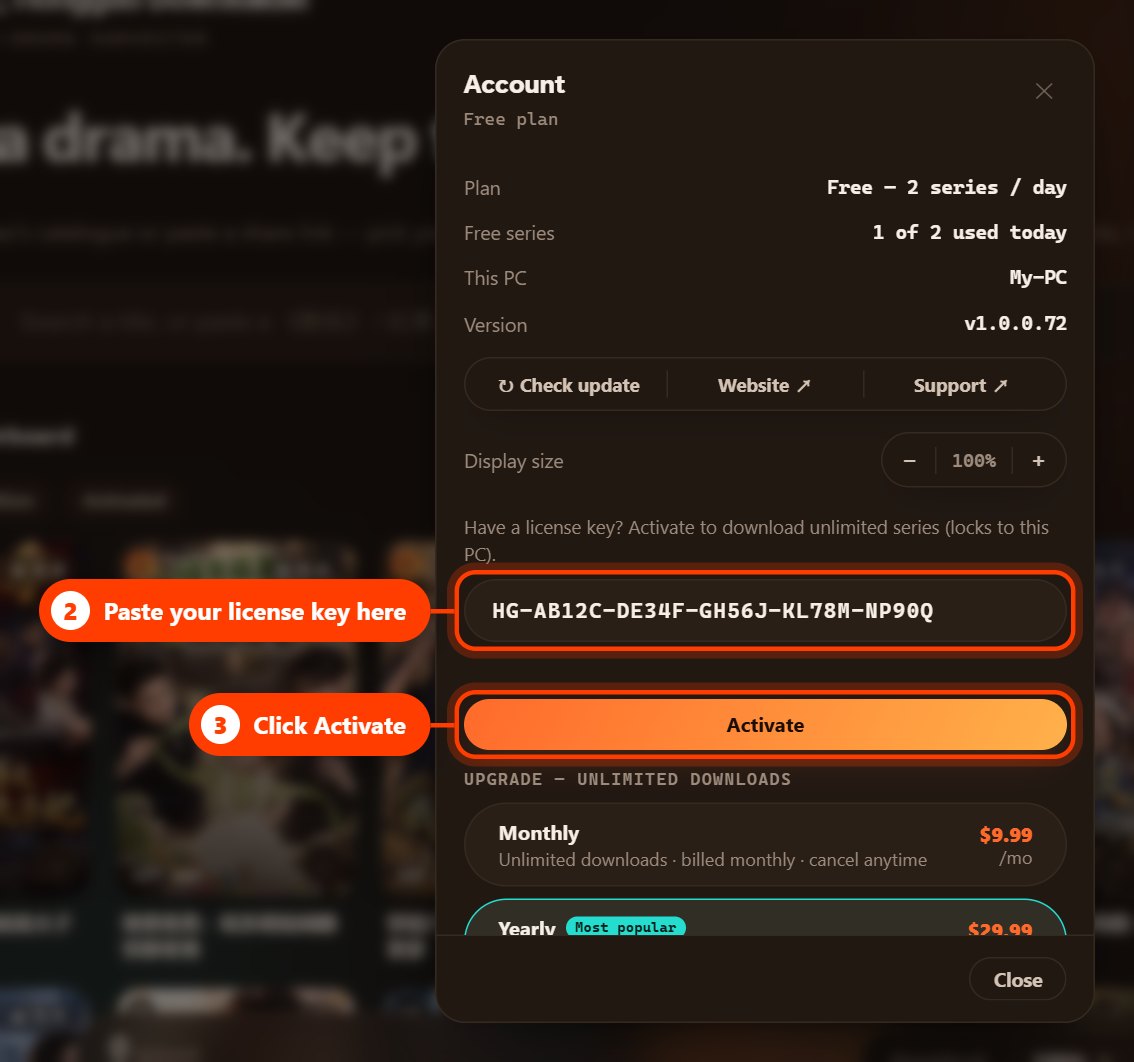
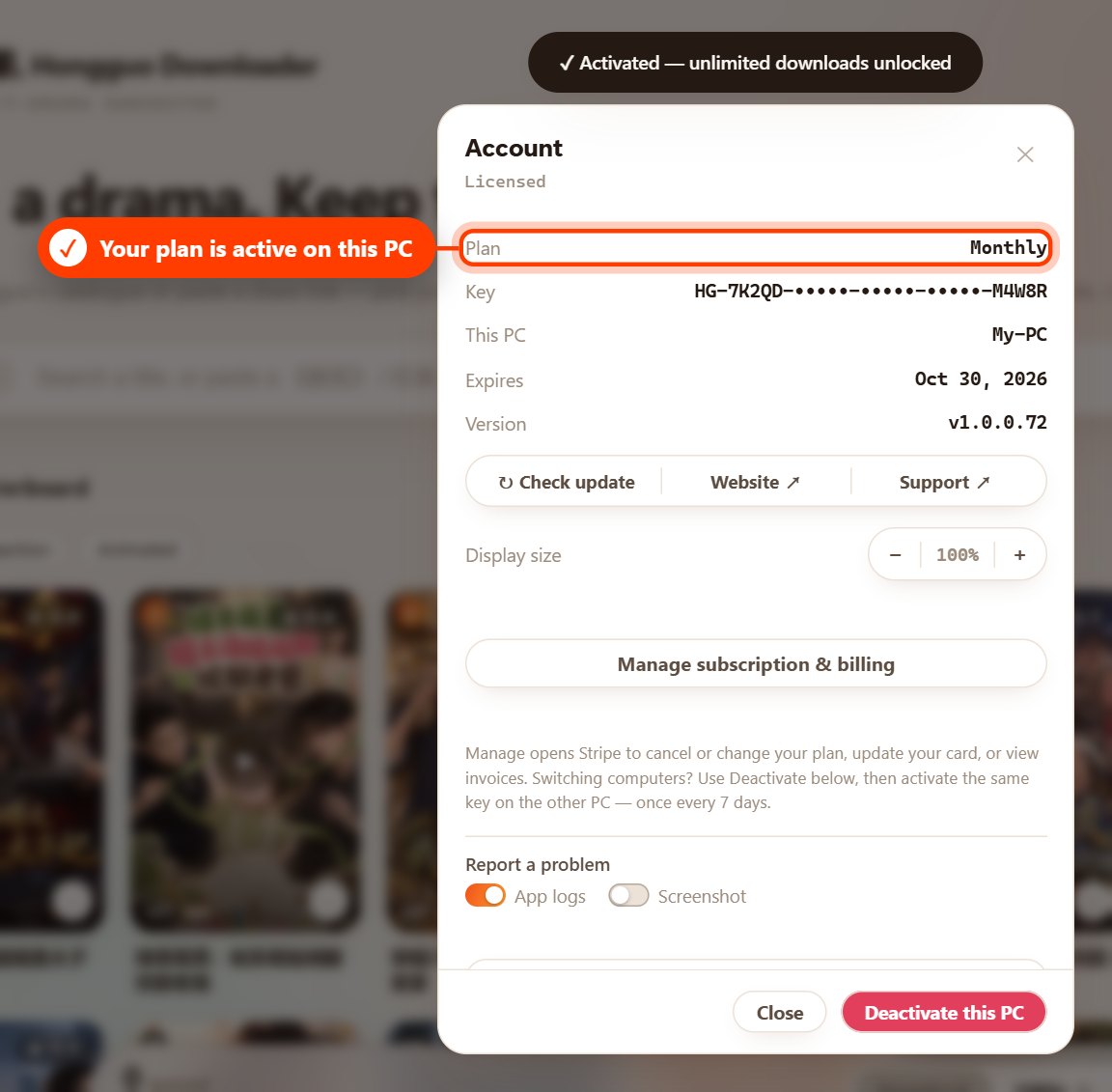
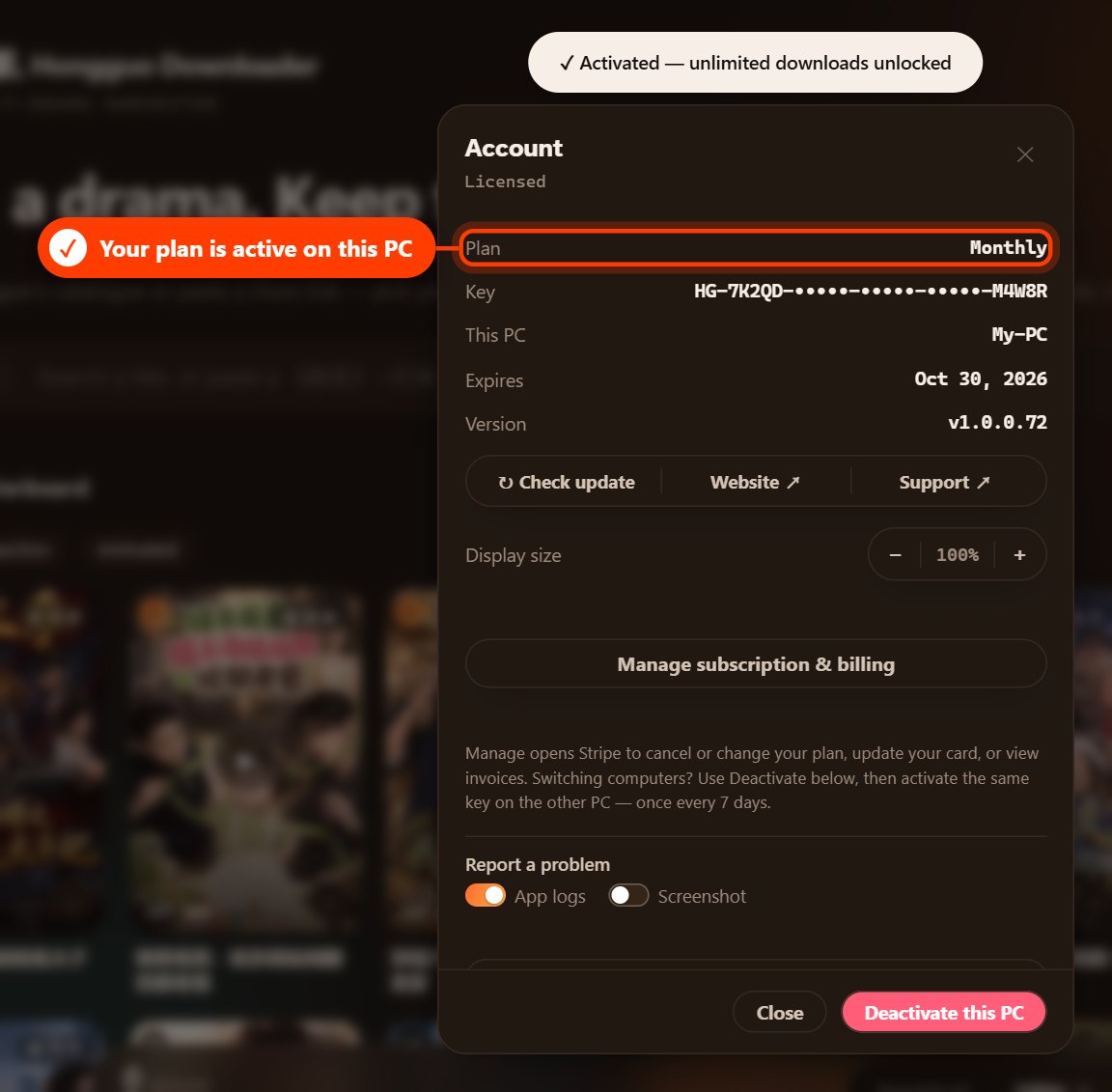
When your key is accepted, you'll see “Activated — unlimited downloads unlocked”. The Account window now shows Licensed, with your plan, key and expiry date.
2. Deactivate your license on this PC
Deactivating removes the license from this PC, so the key can be used on another computer or replaced with a different key.
- Click the Licensed button at the top right to open the Account window.
- Click Deactivate this PC at the bottom of the window.
- Click Release this PC to confirm.
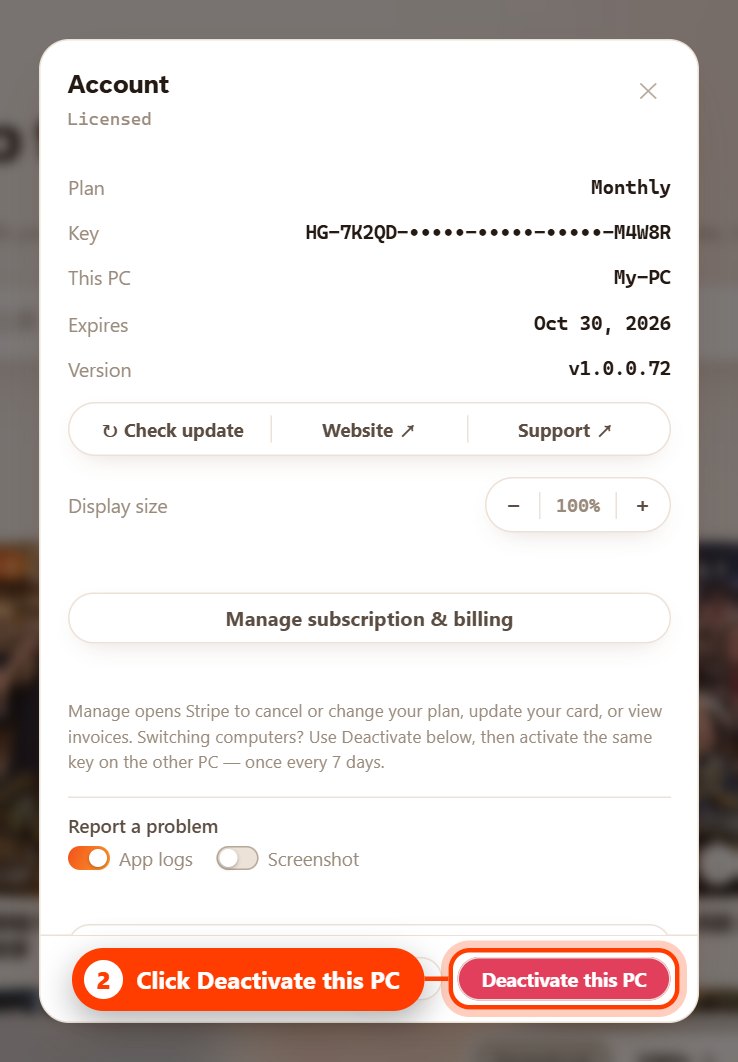
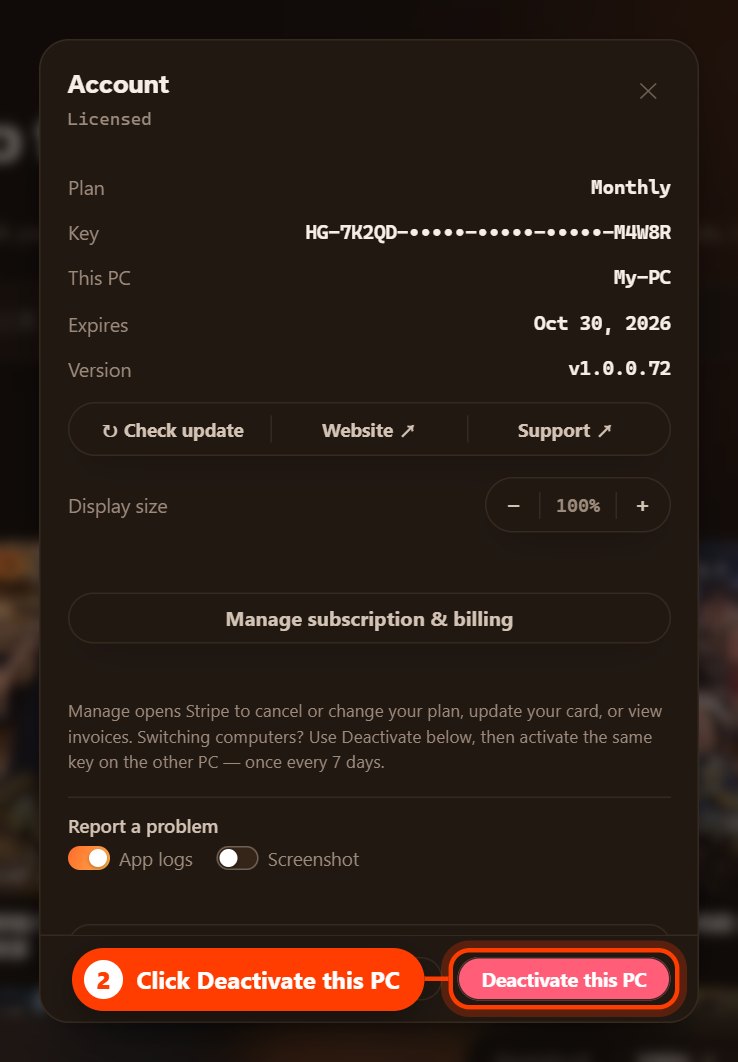
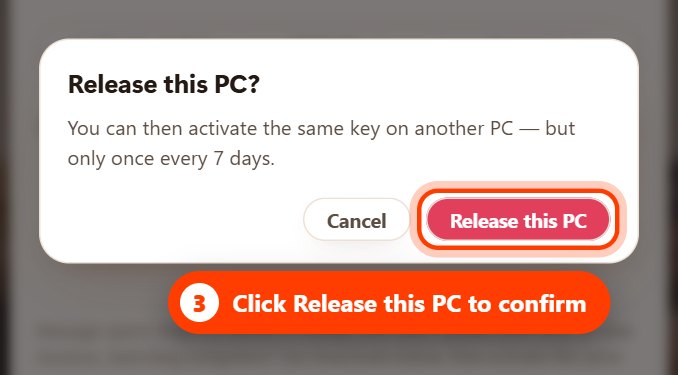
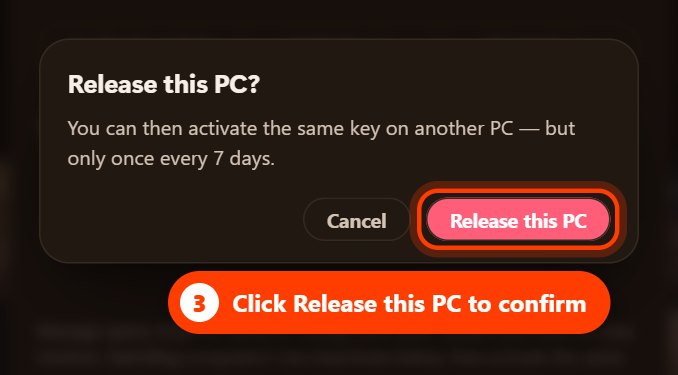
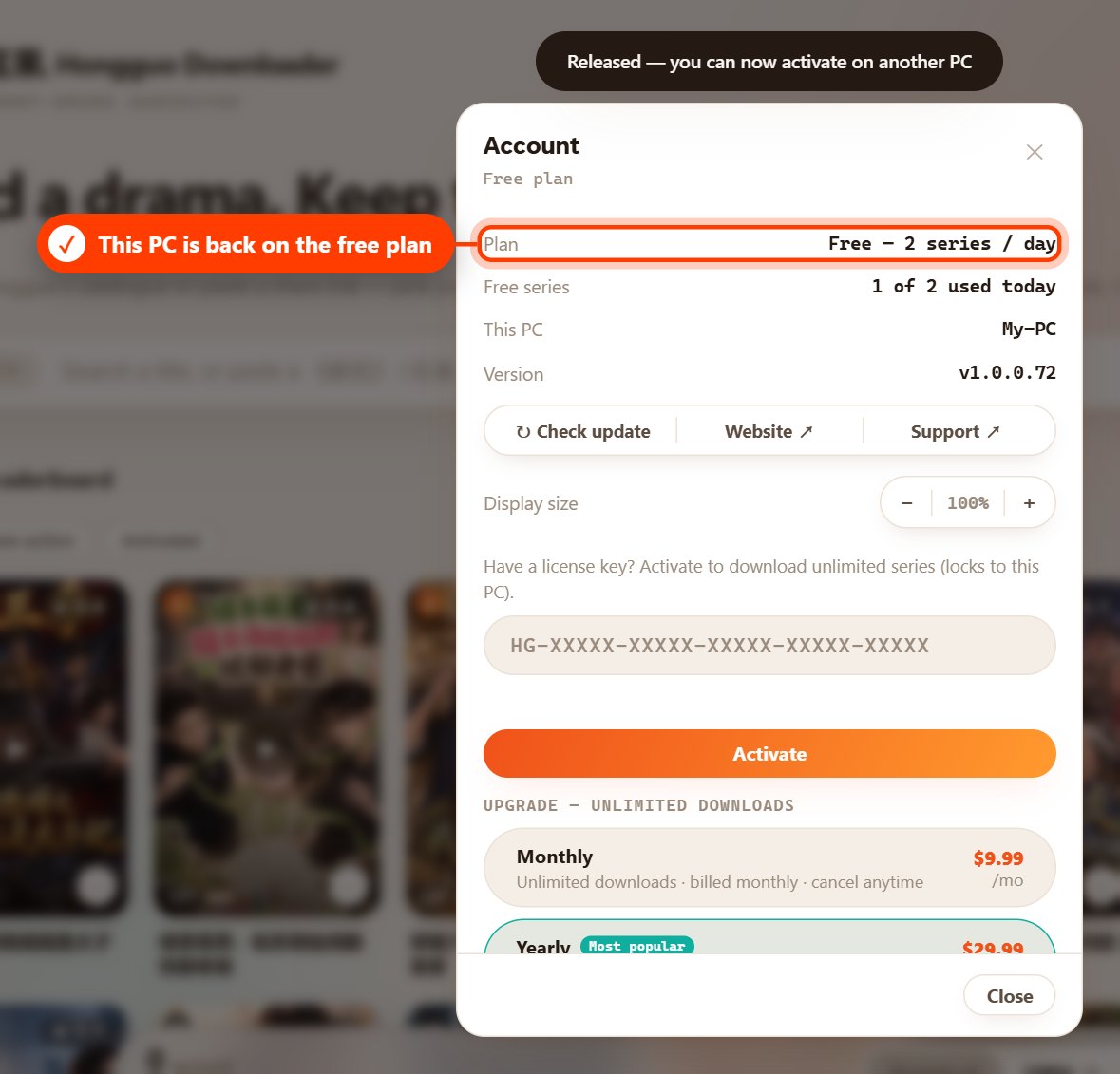
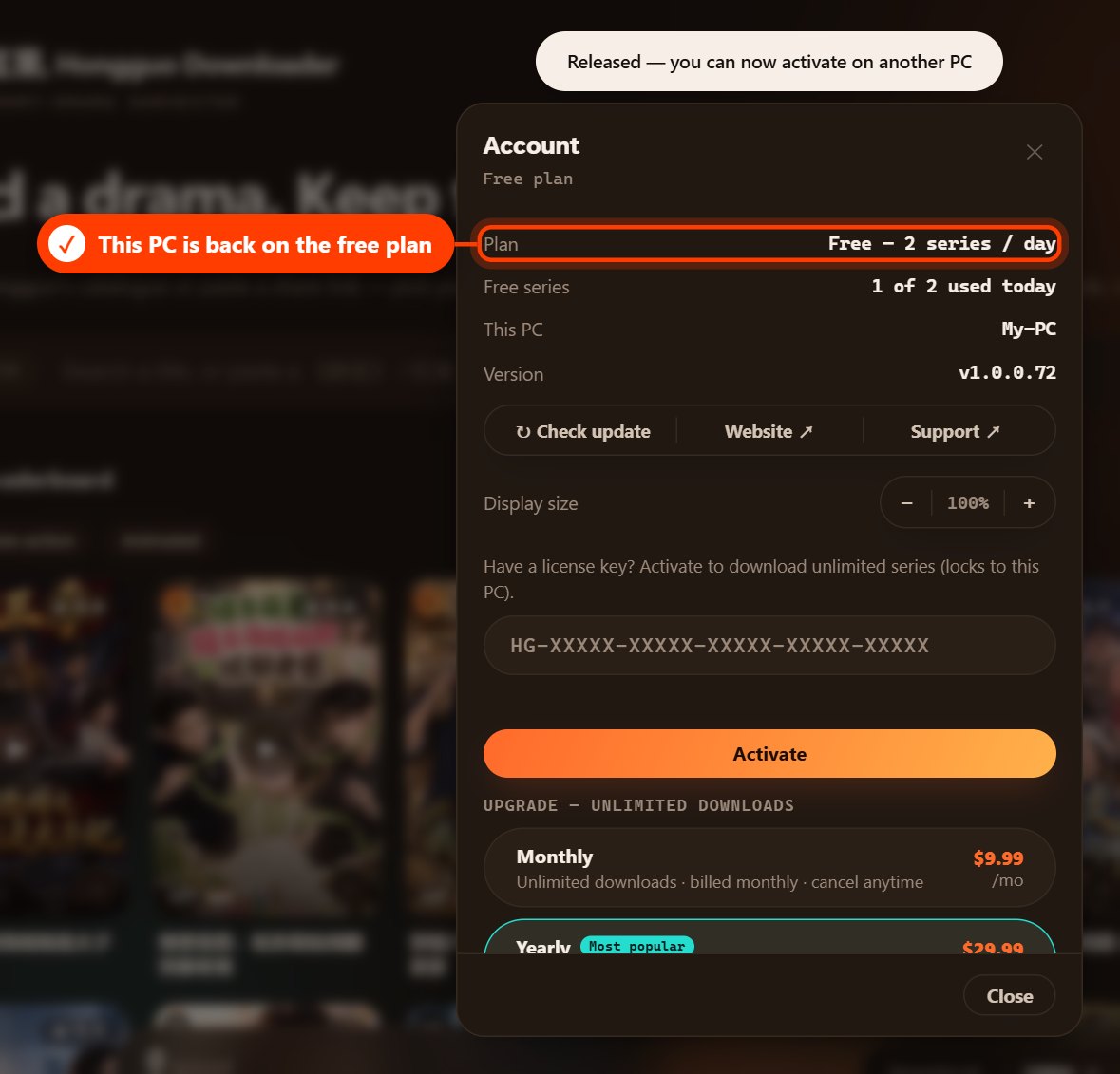
You'll see “Released — you can now activate on another PC”, and this PC returns to the free plan. Your downloaded dramas stay where they are.
3. Move your license to a new PC
- On your old PC, deactivate the license (see section 2).
- On your new PC, download and install Hongguo Downloader from hongguodownloader.com.
- On your new PC, open the Account window, paste the same key and click Activate (see section 1).
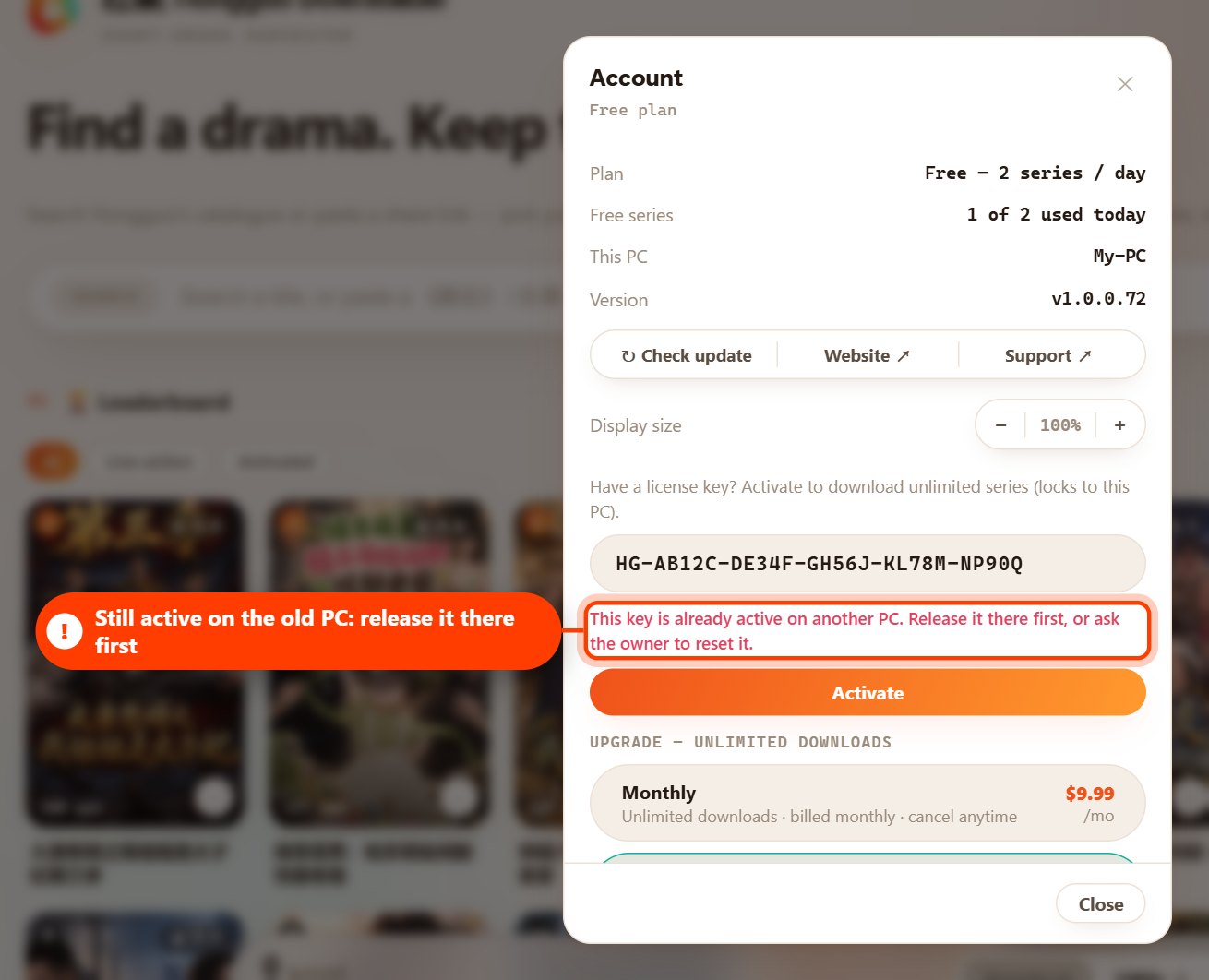
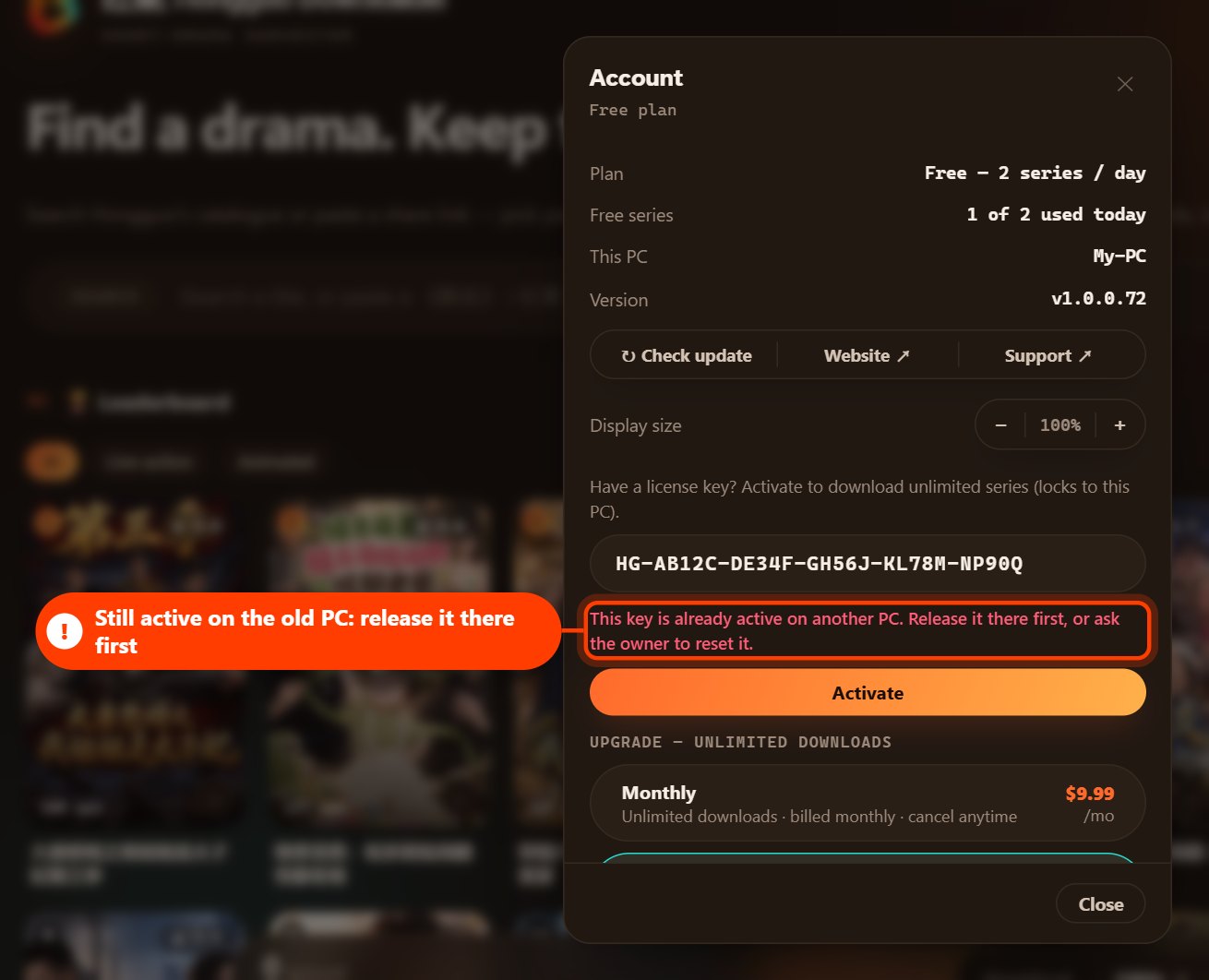
If you try to activate the key before releasing it on the old PC, the app tells you it is still active on another PC:
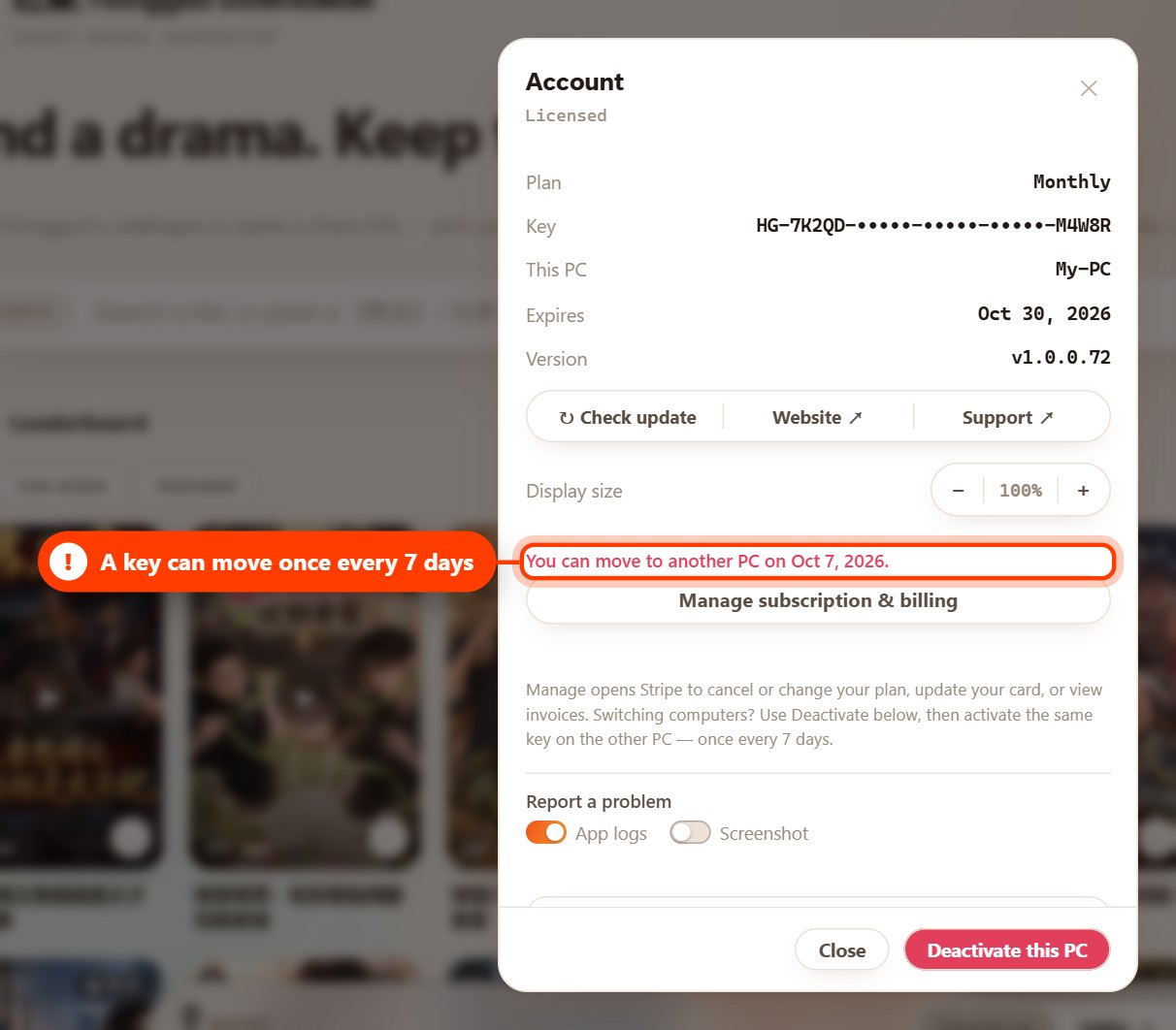
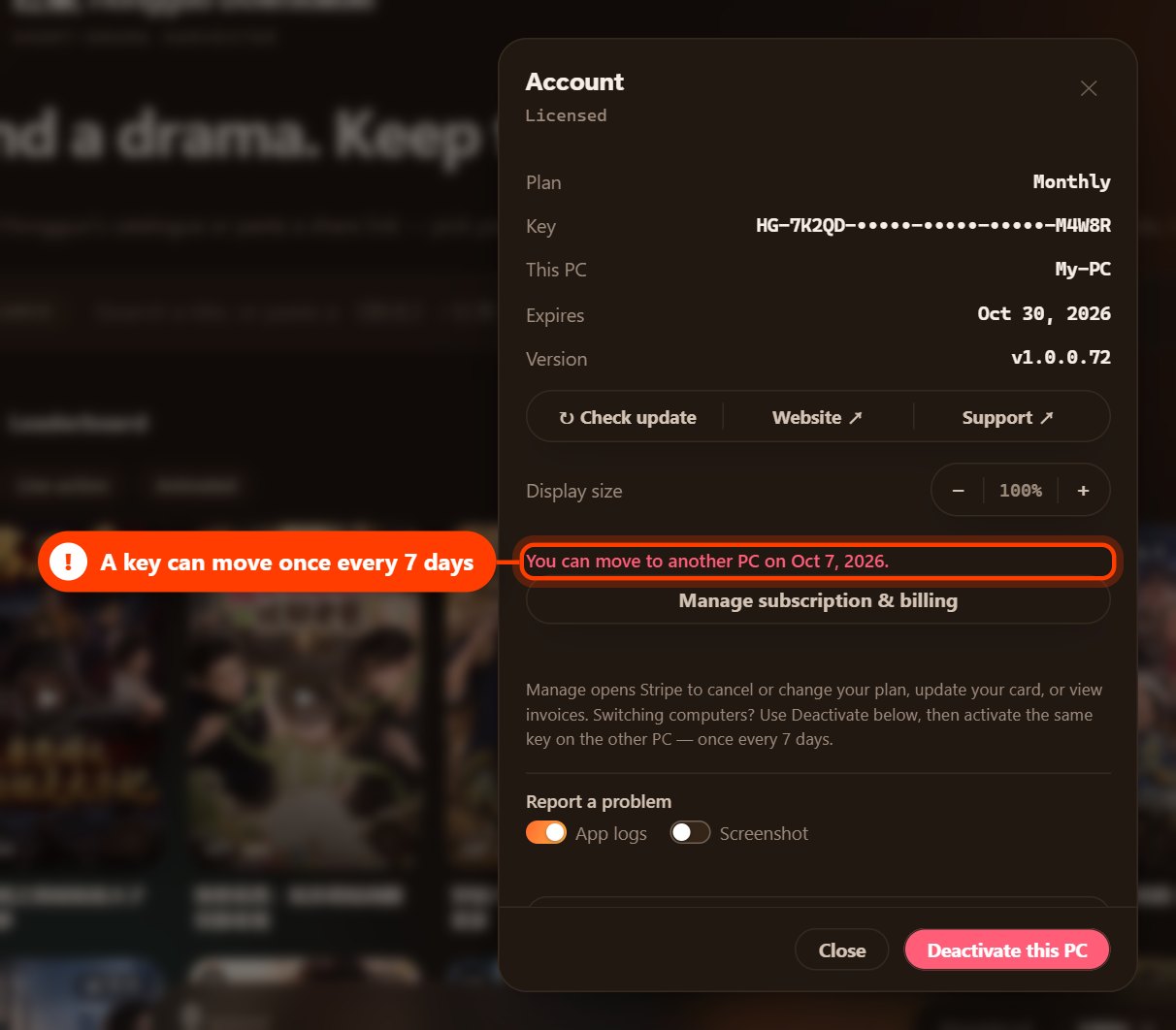
A key can be moved once every 7 days. If you moved it recently, the app shows the date when you can move it again:
4. Change the license on a PC
For example, you have a Monthly key on this PC and want to use a Lifetime key instead.
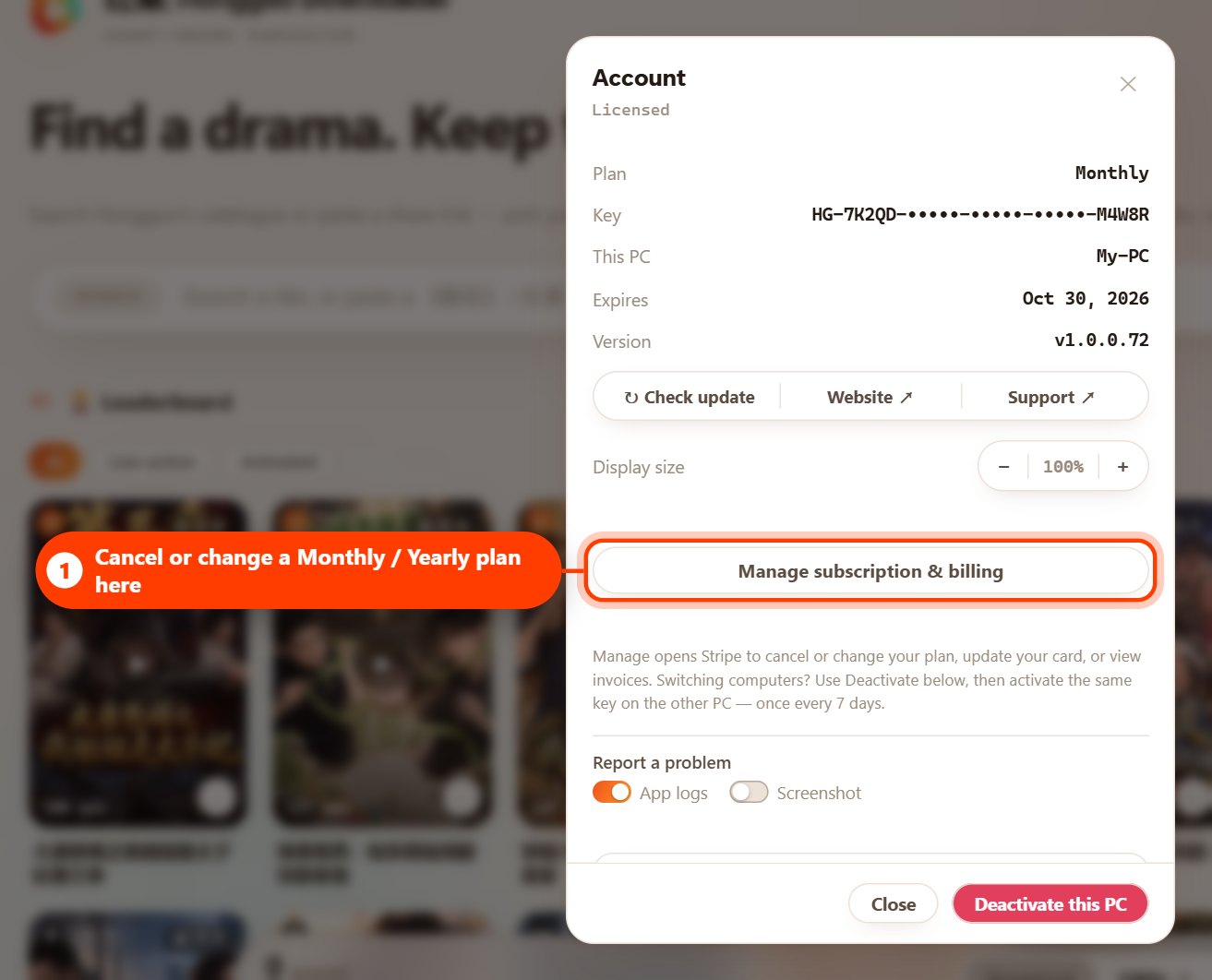
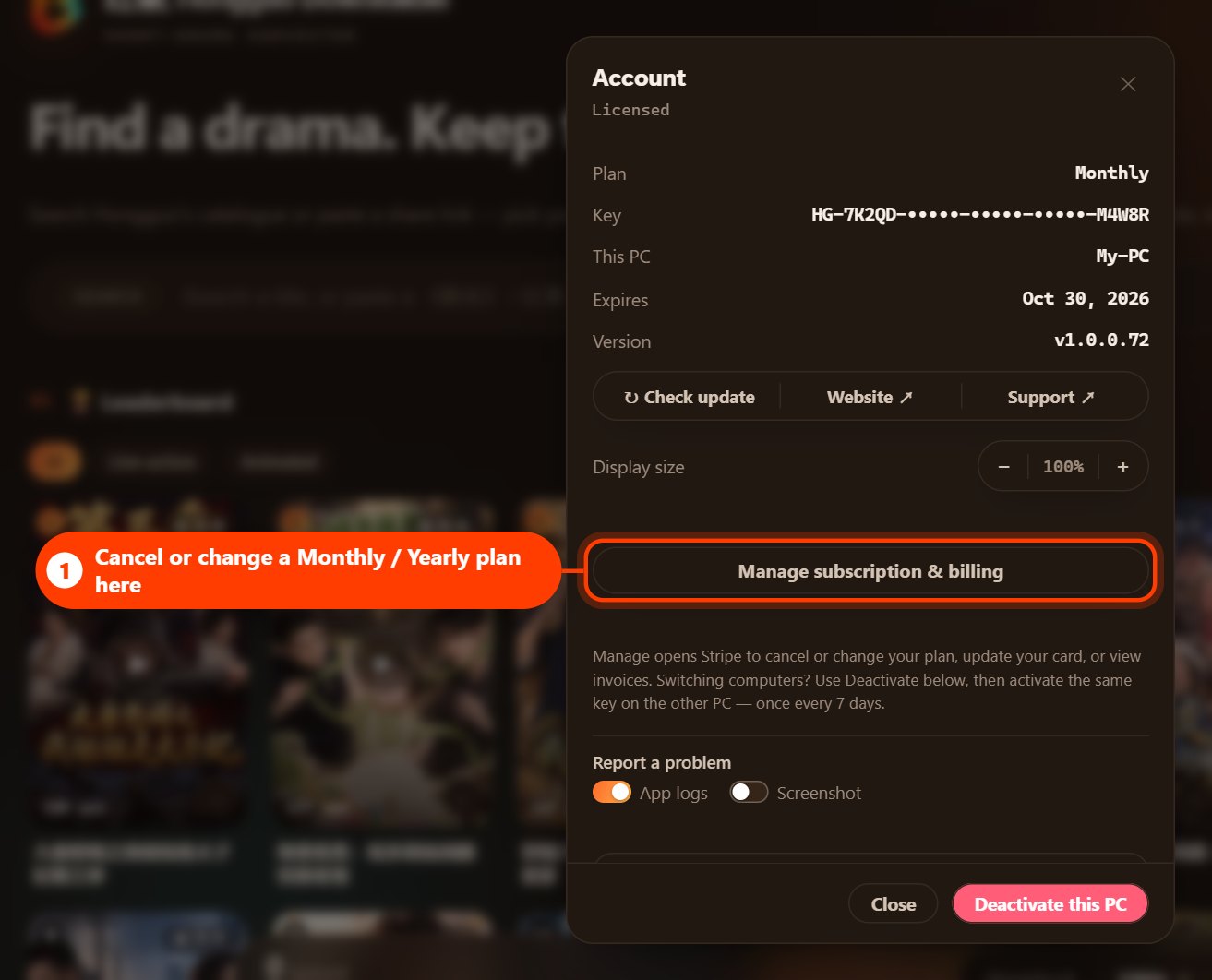
- Cancel the old subscription first (see section 5). Do this before you remove the key: the Manage subscription & billing button only appears while that key is active on the PC.
- Deactivate the old key: click Deactivate this PC, then Release this PC.
- Activate the new key: paste it into the key box and click Activate.
5. Cancel a Monthly or Yearly subscription
Monthly and Yearly plans renew automatically until you cancel. You can cancel at any time.
- Open the Account window and click Manage subscription & billing.
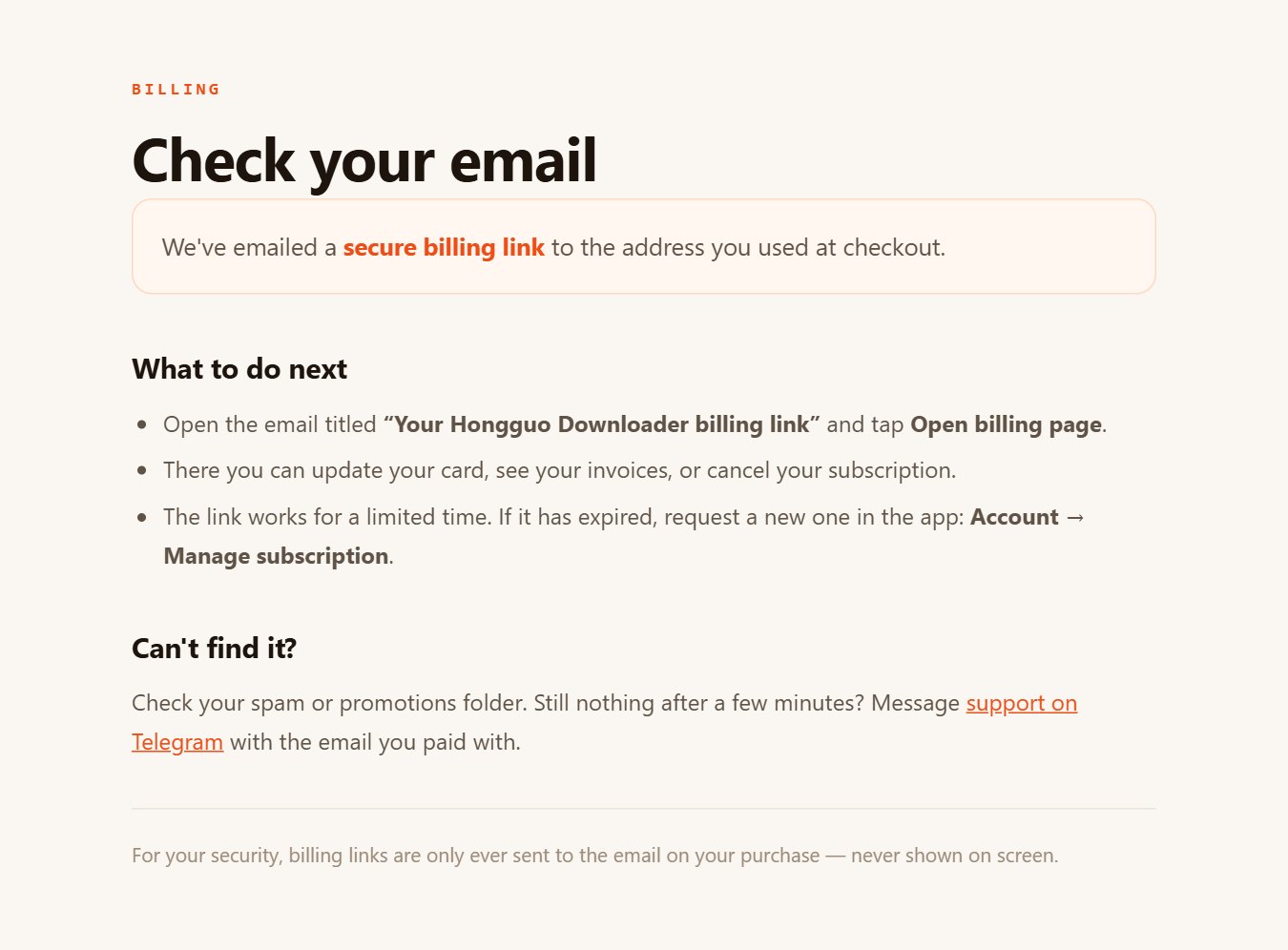
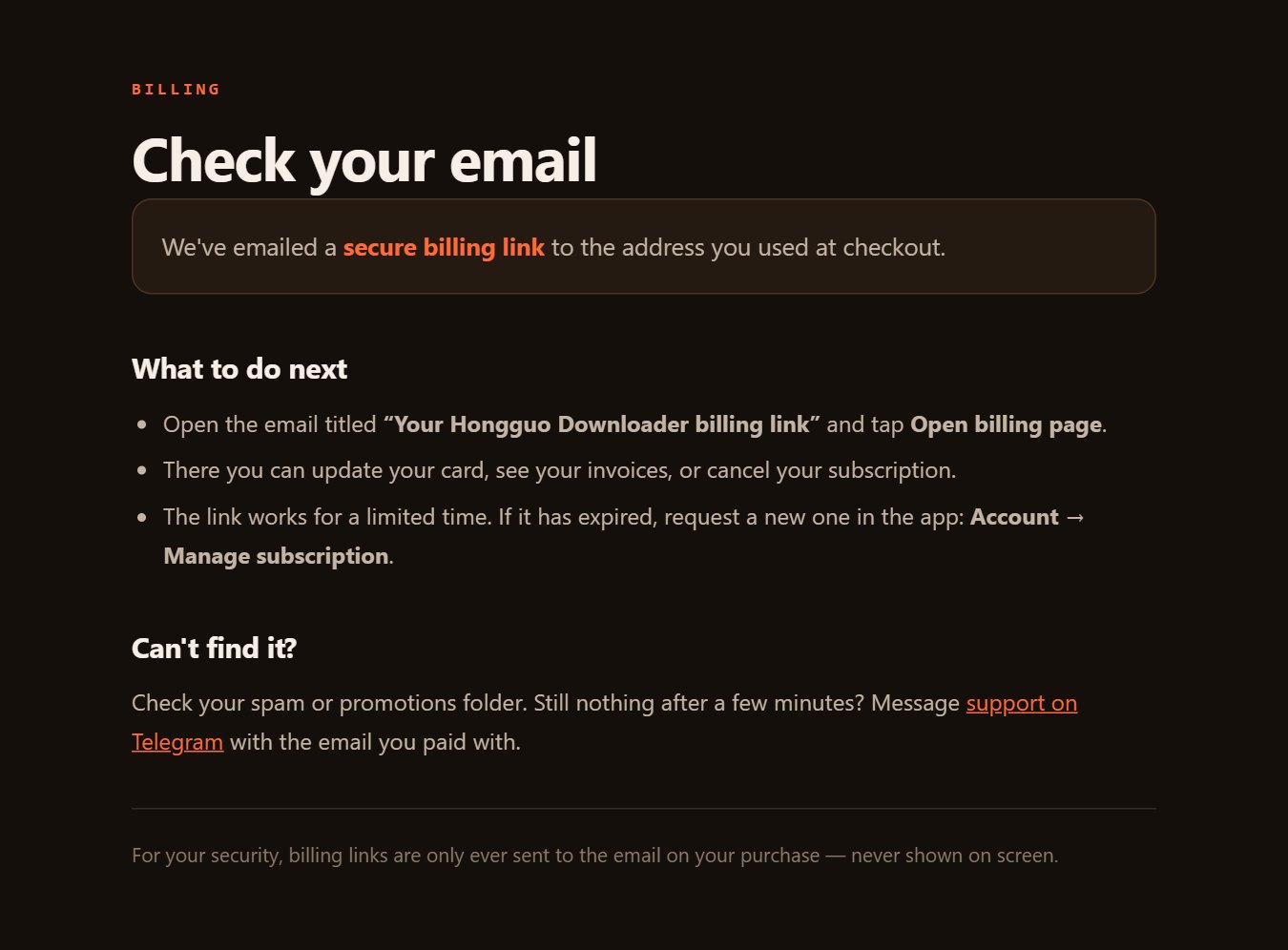
- Your browser opens a Check your email page. We send a secure billing link to the email address you used at checkout.
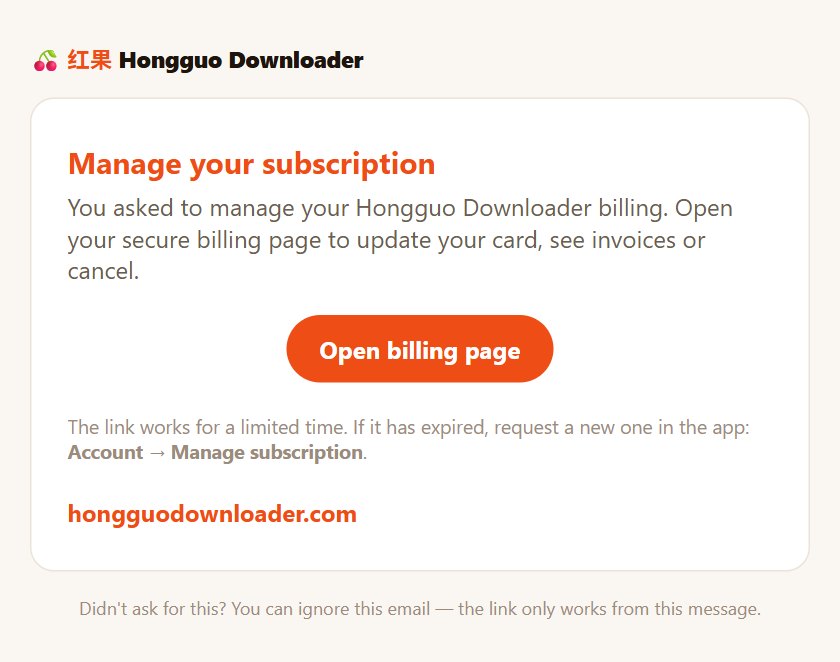
- Open the email “Your Hongguo Downloader billing link” and click Open billing page.
- On the billing page, cancel your subscription and confirm.
Cancelling stops the next renewal. Your plan keeps working until the end of the period you have already paid for, then the app returns to the free plan. Payments already made are not refunded.
If you see a message
| Message | What to do |
|---|---|
| That key doesn't exist — check for typos. | Copy and paste the whole key, including HG- at the start. |
| This key is already active on another PC. | Deactivate it on that PC first. If you can't use that PC any more, contact support. |
| This key isn't active on this PC (it was reset or moved). | Click Re-activate this PC in the Account window, or activate the key again. |
| You can move to another PC on [date]. | A key can be moved once every 7 days. Try again on that date. |
| This key was activated too many times today. | Try again tomorrow. If you didn't do this, contact support. |
| This key has expired. | Renew your plan, or activate a new key. |
| Couldn't reach the server. | Check your internet connection and try again. |
| Please update Hongguo Downloader to the latest version to use your key. | Update the app (What's new → Download update → Install now), then activate again. |
Frequently asked questions
Can I use one license key on two PCs?
No. One key works on one PC at a time. Deactivate it on the first PC before you activate it on another, or buy a second plan for the second PC.
Will deactivating my license delete my downloads?
No. Deactivating only removes the license from that PC. Every drama you have downloaded stays on your computer.
How often can I move my license to another PC?
Once every 7 days. If you moved it recently, the app shows the date when you can move it again.
My old PC is broken or lost. How do I move my license?
Contact support with your license key. We will reset it so you can activate it on your new PC.
How do I cancel a Monthly or Yearly subscription?
In the app, open the Account window and click Manage subscription & billing. We email a secure billing link to the address you used at checkout. Open it and cancel your subscription on the billing page. Your plan keeps working until the end of the period you have already paid for.
Need help with your license?
Message us on Telegram with your license key and a screenshot of what you see, and we'll sort it out.